
Lion's Legacyv1.0.8
Encrypted vault for cards, bank accounts, identity documents, and final wishes. Runs 100% offline on iOS and Android with biometric unlock.Read more →
📄 Description
Lion's Legacy
Your life, secured. Your legacy, planned.
Lion's Legacy is a fully offline personal vault and digital legacy planner for iOS and Android. It keeps your credit cards, bank accounts, loans, identity documents, properties, subscriptions, passwords, private notes, emergency contacts, final wishes, and document locations encrypted on your device — and only on your device.
There are no servers. No accounts. No sync. No analytics. The app does not connect to the internet, by design.
Built for the people you trust, not the cloud you don't
Most vault apps ask you to upload your most sensitive data to their servers and then promise it's safe. Lion's Legacy takes the opposite stance: your data lives on your phone, encrypted with hardware-backed keys, protected by biometrics, and only ever leaves your device when you export an encrypted backup file.
If your phone is lost, you restore from a .lionlocker backup that is itself encrypted with a passphrase, a backup token, and an integrity hash — three layers, any of which is enough to stop a thief.
What you can store
Lion's Legacy ships with 13 vault categories, 75+ pre-built fields, and full custom-field support. Cards, bank accounts, loans, demat and overseas accounts, identity documents, business records, properties, vehicles, gold, fixed deposits, subscriptions, warranty cards, invoices, private notes, saved passwords, and secret projects with codenames and classification levels.
Plan a digital legacy you can actually trust
Record emergency contacts, final wishes (funeral, medical, legal, financial, personal messages), and document locations. The legacy recovery flow uses split knowledge: neither LionScripts nor your designated contact can access your data alone.
Security architecture
AES-256 encryption with HMAC-SHA256 authentication (encrypt-then-MAC)
PBKDF2-HMAC-SHA256 key derivation with 200,000 iterations
Hardware-backed key storage (Android Keystore, iOS Keychain)
Encrypted SQLite database via SQLCipher
Biometric authentication plus 6-digit PIN
FLAG_SECURE on Android and blur overlay with screen-recording detection on iOS
Pure-Dart crypto core with zero third-party cryptography dependencies
What you do not get
No internet permission. No accounts. No analytics. No ads. No data leaves your device unless you export a backup yourself.
✨ Features
⚖️ Lion's Legacy vs Others
| Feature | Lion's Legacy | 1Password | LastPass | Apple Passwords | Google Password Manager | Others |
|---|---|---|---|---|---|---|
| 100% offline storage (no cloud, no servers) | Limited | |||||
| End-to-end encryption (AES-256) | Varies | |||||
| Hardware-backed key storage | Varies | |||||
| Biometric unlock | Varies | |||||
| Stores cards, bank accounts, identity docs, properties (13 categories, 75+ fields) | Limited | Limited | Varies | |||
| Digital legacy planning (emergency contacts, final wishes) | Limited | Limited | ||||
| Split-knowledge legacy recovery | ||||||
| Triple-encrypted exportable backup | ||||||
| Works without an account | Limited | Limited | ||||
| No analytics, no telemetry | Limited | Limited | Limited | Limited | Varies | |
| Vendor data breach risk | None | Limited | Limited | Limited | Limited | Varies |
| On-device OCR card scanner | Limited | Varies | ||||
| Pricing | Free + IAP | $2.99+/mo | $3+/mo | Free with Apple device | Free with Google account | Varies |
⭐ Customer Reviews (18)
I've tried other password managers before, but Lion's Legacy is by far the most user-friendly and customizable. The custom-field support allows me to tailor the app to my specific needs, and the split knowledge legacy recovery flow is a unique feature that I appreciate.
I've experienced data loss before, and it was devastating. But with Lion's Legacy, I feel confident that my data is safe, even if I lose my device. The triple-encrypted exportable backup feature gives me peace of mind knowing that I can restore my data if something happens to my phone.
As someone who values privacy, I appreciate that Lion's Legacy stores my data locally on my device and doesn't connect to the internet. The AES-256 and HMAC-SHA256 encryption, combined with the 6-digit PIN protection, give me peace of mind knowing my data is secure.
I like that Lion's Legacy stores my data locally and doesn't sync with any servers, but the backup process is a bit cumbersome. I have to manually export the .lionlocker file and store it securely, which can be error-prone. Still, the security features are top-notch and I appreciate the split knowledge legacy recovery flow.
I was looking for a secure way to store my identity documents, bank accounts, and credit cards, and Lion's Legacy has exceeded my expectations. The 13 vault categories and 75+ pre-built fields make it easy to organize my data, and the biometric authentication provides an extra layer of security.
I've been using Lion's Legacy for a few weeks now, and while I appreciate the advanced encryption and biometric authentication, I'm worried about the fact that there's no way to recover my master passphrase if I forget it. I understand the security reasoning behind it, but it's still a bit unsettling. Maybe a secure password recovery process could be implemented in the future?
I was looking for an offline vault to store my credit cards, bank accounts, and identity documents, and Lion's Legacy fits the bill perfectly. The biometric unlock and 6-digit PIN protection give me peace of mind, and the 13 vault categories make it easy to organize my info.
I have a lot of sensitive documents, such as property deeds and warranty cards, that I need to keep track of, and Lion's Legacy has made it easy for me to do so. The 13 vault categories and 75+ pre-built fields provide a high level of organization, and the on-device OCR card scanner is a convenient feature that saves me time.
I had some questions about how to use certain features in Lion's Legacy, and the customer support team was extremely helpful and responsive. The documentation is also thorough and easy to understand, which made it easy for me to get started with the app.
Lion's Legacy has helped me plan my digital legacy in a way that I never thought possible. The ability to designate an emergency contact and configure a wellness check-in interval gives me comfort knowing that my loved ones will be taken care of in case something happens to me.
I was looking for a secure way to store my identity documents and bank accounts, and Lion's Legacy has exceeded my expectations. The biometric unlock feature gives me peace of mind, and I appreciate that my data is stored locally on my device.
I've been using Lion's Legacy to store my sensitive information, and overall I'm happy with the app. However, I'm a bit concerned about the fact that there's no recovery path if I forget my master passphrase. I understand that this is a security feature, but it's a bit worrying to think that I could lose access to all my stored information if I forget my passphrase.
I was hesitant to store my sensitive data in a cloud-based service, but Lion's Legacy has alleviated all my concerns. The fact that it runs 100% offline and doesn't collect any analytics or telemetry makes it the perfect solution for me.
I've been using Lion's Legacy to store my credit card information, bank accounts, and identity documents. The encryption and biometric authentication features are top-notch, but I found the backup process to be a bit cumbersome. I had to manually export the .lionlocker file and store it securely, which was a bit of a hassle.
I've tried several password managers and secure storage apps before, but Lion's Legacy is the most impressive one I've come across. The attention to detail and the focus on security are unparalleled, and I appreciate the fact that the app is constantly updated with new features and security patches.
I've been using Lion's Legacy to store my private notes and documents, and it's been a game-changer. The app is highly customizable, and the encryption ensures that my data is protected from prying eyes.
As someone who deals with sensitive information on a daily basis, I need an app that is both secure and easy to use. Lion's Legacy meets all my requirements, and the biometric authentication makes it easy to access my data quickly and securely.
As someone who wants to ensure that my loved ones are taken care of in case something happens to me, I appreciate the digital legacy planning feature of Lion's Legacy. The split knowledge legacy recovery flow is particularly useful, and I feel confident that my emergency contacts will be able to access the information they need.
📸 Screenshots
📋 Changelog
- Triple-encrypted .lionlocker backup format
- Split-knowledge legacy recovery
- On-device OCR card scanner
- Customizable swipe actions
- Refined 12-page onboarding
- 130+ unit tests for crypto and storage paths
- Bug fixes and performance improvements
- Security audit log
- Improved biometric unlock reliability
⚙️ System Requirements
Requirements
- iOS 12 or later
- Android 9 or later
- At least 2GB of RAM
Compatibility
- iOS
- Android
📥 Installation Guide
Getting Started
- Download and install the Lion's Legacy Vault app from the App Store or Google Play Store
- Launch the app and create a 6-digit PIN and biometric authentication
- Set up your vault categories and start adding your sensitive data
- Configure your legacy recovery flow and emergency contacts
- Regularly back up your encrypted data to a secure location
For more detailed instructions, please refer to the in-app tutorial or our support resources.
❓ Frequently Asked Questions
Does Lion's Legacy connect to the internet?
What happens if I lose my phone?
What if I forget my master passphrase?
How does the digital legacy feature work?
Is the encryption open for review?
What about iCloud or Google Drive sync?
Is there a free version?
Product Details
- Version
- v1.0.8
- Last Updated
- May 24, 2026
- Downloads
- 1,974
- Starting Price
- $9.99
- License
- Subscription
- Platforms
- iOS, Android
Legal & Policies
Support
Need help with Lion's Legacy? We're here for you.
Similar Software
Products in the same category you might like

Offline Games
Play 30+ classic games offline, anywhere, anytime!
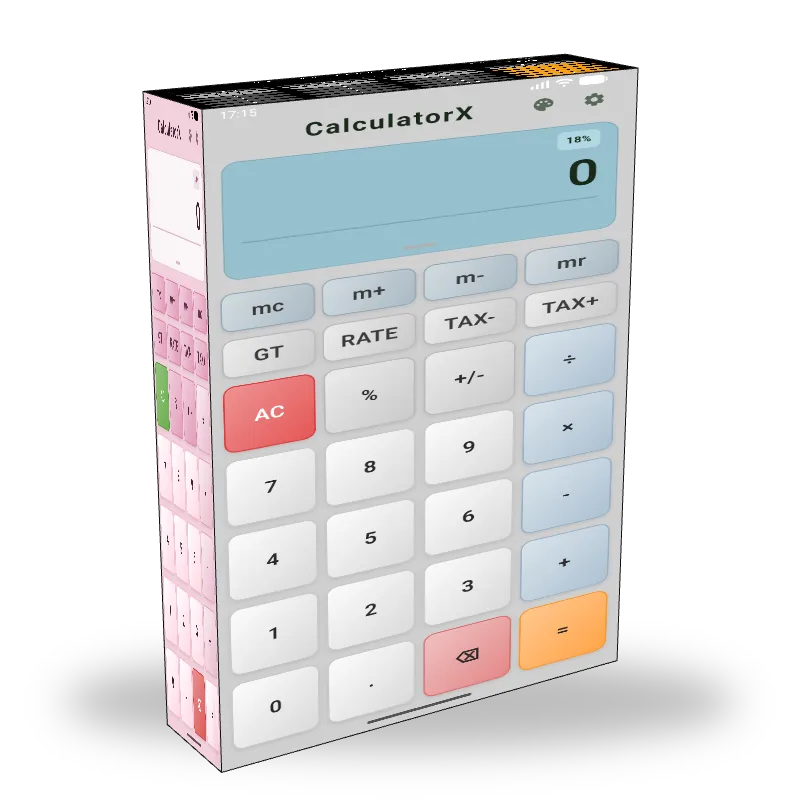
CalculatorX
A calculator with history, one-tap GST, lakhs / crores grouping, Grand Total memory, and 13 themes. Free, offline, and works the way you expect.
Trending Now
Most downloaded products across all categories

WordPress IP Blocker Pro
Protect your WordPress site from brute-force attacks, spam traffic, scrapers, and unwanted visitors with intelligent IP and country blocking.

eDarpan WordPress Protection
Protect your WordPress site from content theft and malicious visitors
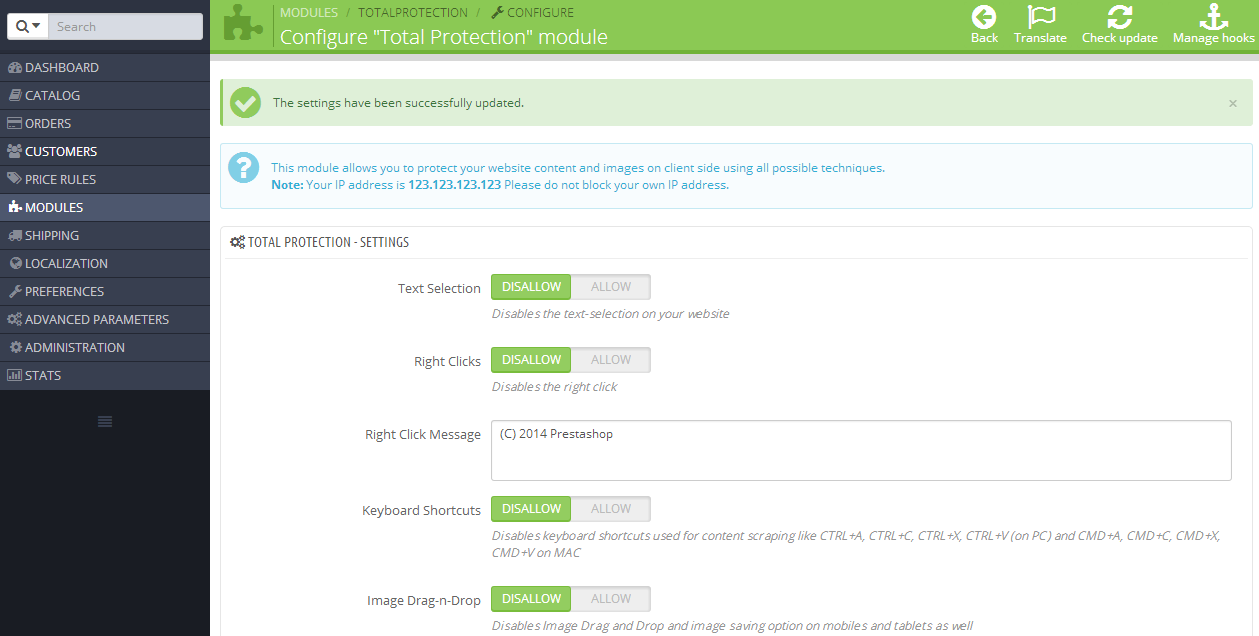
Prestashop Total Protection Pro
Protect your Prestashop site from content theft
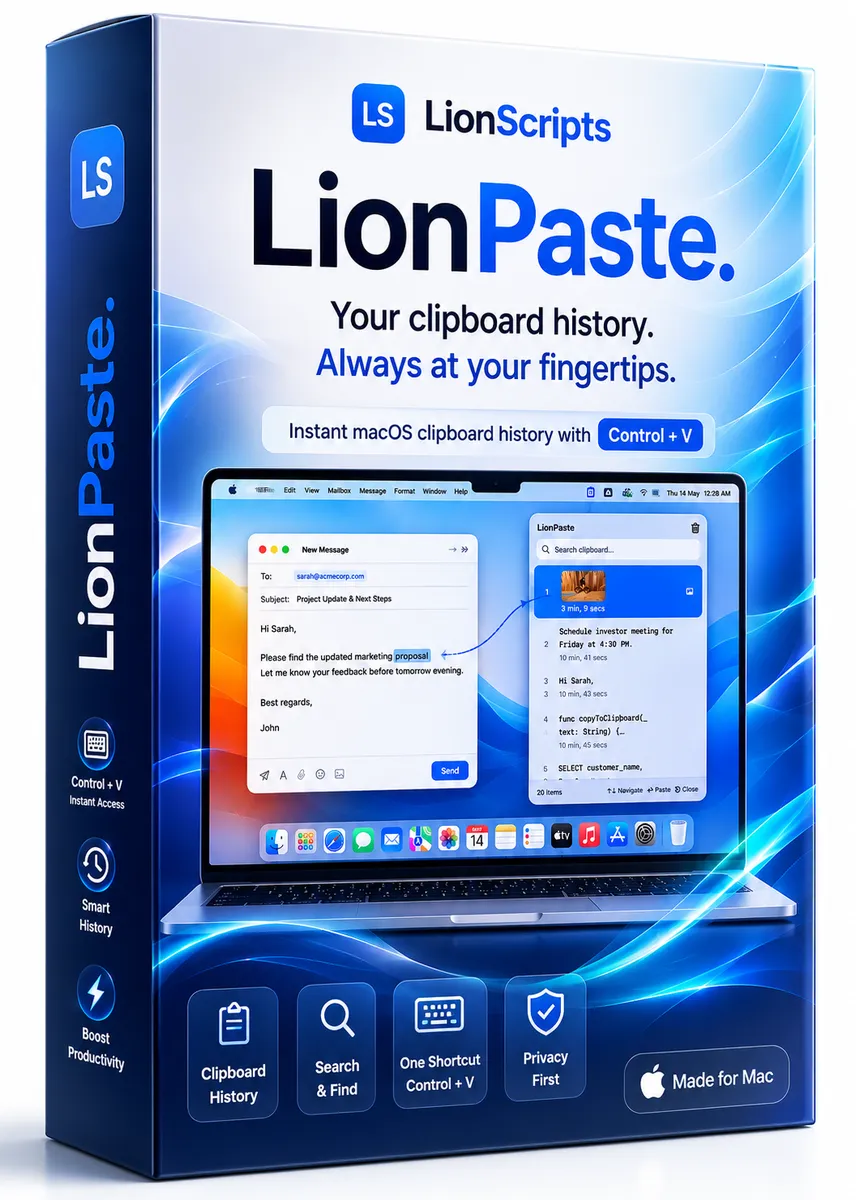
LionPaste
Instantly search, reuse, and paste your clipboard history on Mac with a fast, privacy-first clipboard manager built for productivity.
Recently Added
Fresh releases and latest additions
CalculatorX
A calculator with history, one-tap GST, lakhs / crores grouping, Grand Total memory, and 13 themes. Free, offline, and works the way you expect.
Offline Games
Play 30+ classic games offline, anywhere, anytime!
LionPaste
Instantly search, reuse, and paste your clipboard history on Mac with a fast, privacy-first clipboard manager built for productivity.
eDarpan WordPress Protection
Protect your WordPress site from content theft and malicious visitors
From the Blog
Guides and reviews related to Lion's Legacy
Passkeys vs. Passwords: What to Do Before You Delete Your Logins
Passkeys promise a world without passwords, but should you delete your logins just yet? Learn what passkeys are, how they compare to passwords, and the essential steps to take before you ditch your old credentials.

How to Set Up AI Dictation for Coding on Linux, Windows & Mac
Programmers type up to 10,000 keystrokes daily, risking repetitive strain injury. Learn how to set up fast, accurate AI dictation for coding on Linux, Windows, and Mac to protect your wrists.

How to Migrate Passkeys Between Password Managers in 2025
Passkeys are the future, but migrating them between password managers in 2025 is messy. Learn how to move passkeys across Apple Keychain, Google, 1Password, and more.
How to Protect Passkeys From Malware That Hijacks Password Managers
Passkeys promised to end phishing, but modern malware like Atomic Stealer and RedLine now targets password managers directly. Learn how to protect your passkeys from vault-hijacking threats.