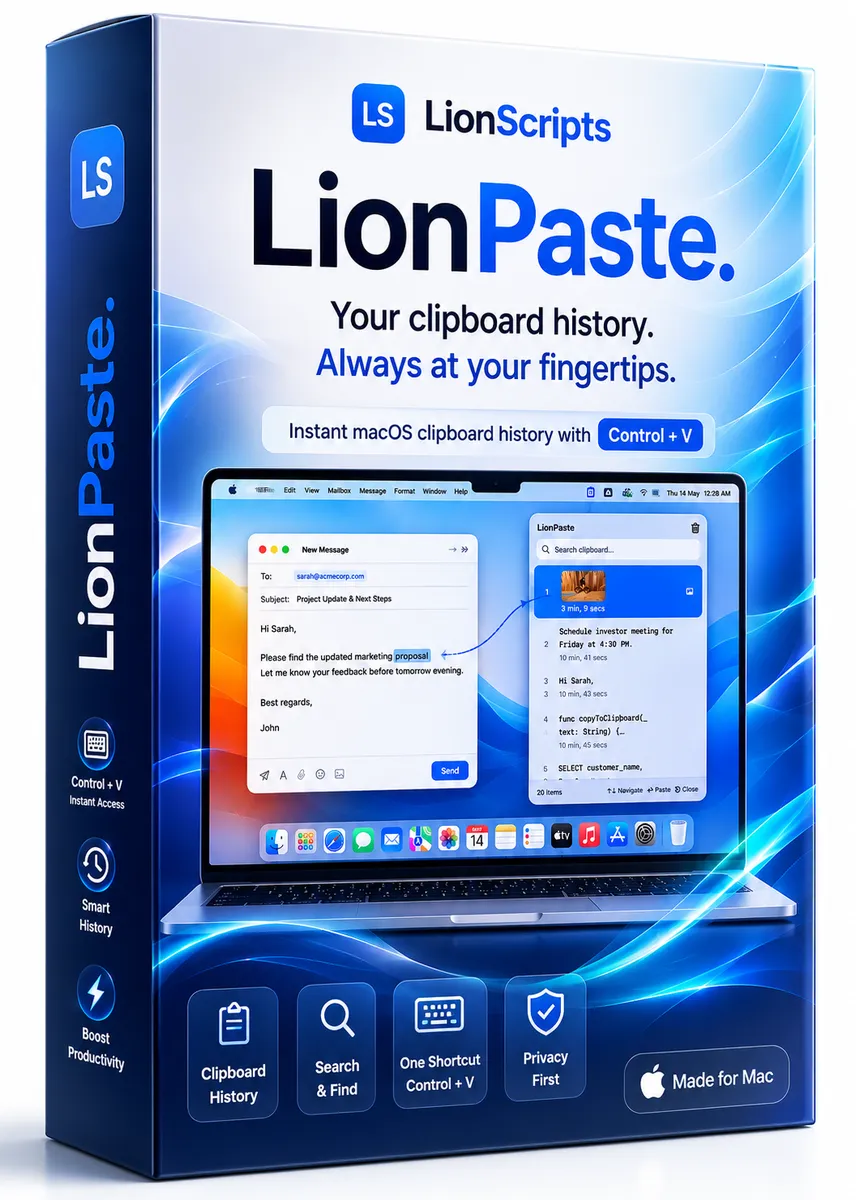
LionPastev2.1.11
Instantly search, reuse, and paste your clipboard history on Mac with a fast, privacy-first clipboard manager built for productivity.Read more →
📄 Description
LionPaste — The Most Powerful Clipboard Manager for macOS
LionPaste remembers everything you copy — text, images, files — and lets you instantly access your complete clipboard history using a customizable keyboard shortcut.
A sleek floating panel appears right at your cursor so you never need to leave where you're working.
Why LionPaste?
Unlike basic clipboard managers, LionPaste transforms your clipboard into a complete productivity powerhouse with:
- Smart detection
- Text transforms
- Clipboard snippets
- Paste queues
- Privacy-first encryption
- Lightning-fast search
🗂 Unlimited Clipboard History
Every text, image, and file you copy is automatically saved. Search, filter, and reuse anything from minutes or days ago.
🔍 Smart Search & Regex
Find anything instantly using normal search or advanced regex patterns. Search emails, URLs, phone numbers, and more within seconds.
🏷 Auto-Categorization
Clipboard items are automatically categorized into:
- Text
- Links
- Code
- Numbers
- Images
- Files
📌 Pin Important Items
Pin frequently used clipboard items permanently. Pinned items survive restarts, retention cleanup, and history purges.
✂️ 11 Powerful Text Transforms
Transform copied content before pasting with:
- UPPERCASE
- lowercase
- Title Case
- Trim Whitespace
- Strip HTML
- URL Encode / Decode
- Sort Lines
- Remove Duplicates
- JSON Prettify
- JSON Minify
📋 Snippets & Templates
Save reusable snippets like email signatures, code blocks, addresses, templates, and canned responses. Always available from the Snippets tab.
📦 Paste Queue (FIFO)
Copy multiple items in sequence and paste them one-by-one automatically. Perfect for forms, spreadsheets, and repetitive workflows.
🎨 Color Detection
Copy hex colors like #FF5733 and instantly see live color previews directly inside your clipboard history.
🔒 Sensitive Content Detection
Passwords, API keys, and credit card numbers are automatically detected and masked inside the interface.
🧹 Smart Clipboard Rules
- Auto-strip UTM tracking parameters
- Auto-trim whitespace
- Ignore password managers like 1Password & LastPass
☁️ iCloud Sync
Sync clipboard history and snippets across all your Macs using iCloud.
📱 iOS Companion App
Access and browse your Mac clipboard history directly from iPhone and iPad.
⌨️ Customizable Shortcut
Set any keyboard shortcut to instantly open LionPaste. Works system-wide across macOS.
🖱 Floating Panel at Cursor
The clipboard popup appears exactly where your cursor is located — enabling faster access without moving your eyes to the menu bar.
👆 Multi-Select Support
Use ⌘ + Click to select multiple clipboard items.
Paste files together or merge text content instantly.
📊 Character & Word Count
Every clipboard item displays detailed character and word counts. Perfect for writers, developers, marketers, and social media managers.
🏷 Source App Tracking
Know exactly where copied content came from — Chrome, Finder, Xcode, Terminal, VS Code, and more.
📤 Export & Import
Export clipboard history as JSON or CSV and import backups anytime.
🌙 Native Dark Mode
Fully native dark mode support with optional Light/Dark override preferences.
🔐 Privacy First
- AES-256 encrypted clipboard history
- Encryption keys stored securely in macOS Keychain
- No tracking
- No analytics
- No external servers
- All data stays on your Mac
- Optional iCloud sync powered by Apple infrastructure
Built for Productivity
LionPaste is designed for:
- Developers
- Founders
- Designers
- Recruiters
- Writers
- Students
- Researchers
- Support teams
- Power users
Stop losing copied content. Stop repetitive copy-pasting. Work faster with LionPaste.
✨ Features
⚖️ LionPaste vs Others
| Feature | LionPaste | Others |
|---|---|---|
| Clipboard history | ||
| Pin items | ||
| Image support | ||
| File support | ||
| Search | ||
| Regex search | ||
| Snippets/Templates | ||
| Text Transforms | ||
| Paste Queue FIFO | ||
| Clipboard Rules | ||
| Sensitive content masking | ||
| Color swatch detection | ||
| Source app tracking | ||
| Character/word count | ||
| Quick Preview Space | ||
| Export/Import | ||
| Statistics | ||
| UTM stripping | ||
| Paste as Plain Text | ||
| Find & Replace | ||
| Link domain preview | ||
| Dark/Light override | ||
| Sound effects | ||
| Configurable shortcut | ||
| Floating panel at cursor | ||
| iCloud sync | ||
| iOS companion | ||
| macOS Native Experience | ||
| Control + V Instant Access | ||
| Lightweight Performance | ||
| Privacy First | ||
| Keyboard-first Workflow |
⭐ Customer Reviews (20)
I started using LionPaste a few months ago, and while it's been helpful, I've found a few issues with the search function - sometimes it takes a while to find the snippet I'm looking for. That being said, the customer support team has been responsive and helpful, so I'm hoping they'll address this issue in a future update.
LionPaste has been an incredible time-saver for me - I can quickly access all my frequently used code snippets and focus on more important tasks. The interface is also really intuitive and easy to use.
I've been using LionPaste for a few months, and while it's been helpful, I've encountered some bugs and glitches. The customer support team has been really responsive, though, so I'm hoping these issues get resolved soon.
LionPaste works well for my daily needs. I primarily use it for storing code snippets and short notes. The interface could use a bit more polish, but overall, it's reliable and does the job.
I've been using LionPaste for my personal projects, and it's been really useful for keeping track of my code snippets and ideas. The tagging system is really helpful, but I wish there were more customization options.
LionPaste is an essential tool for any developer - it's so easy to use and has really streamlined my workflow. I love that I can access my code snippets from anywhere, and the security features give me peace of mind.
LionPaste has been amazing for our team's collaboration - we can all access and share code snippets easily, and the version control features are really robust. The support team is also really responsive and helpful.
I've been using LionPaste for a few weeks now, and it's been a total game-changer for my development workflow. The ability to easily organize and reuse code snippets has saved me so much time, and the integration with my favorite IDE is seamless.
I've been using LionPaste for a few weeks now and while it's been helpful in managing my code snippets, I've encountered some occasional glitches. The search function can be slow at times, but the support team has been responsive in addressing my concerns.
I was blown away by LionPaste's code snippet management features, it has streamlined my workflow and reduced errors. The ability to organize and reuse code snippets across projects has been a huge time-saver. I've already recommended it to my colleagues.
LionPaste has some great features, but I've encountered a few bugs that have hindered my experience. I hope the developers address these issues soon, as I see a lot of potential in this software.
LionPaste's concept is excellent, but I feel it needs a bit more refinement to reach its full potential. The current version works for me, but I hope for more features and stability in future updates.
I've been using LionPaste for a few weeks, and while it's been helpful, I've encountered some issues with the UI and performance. The features are really useful, though, so I'm hoping these issues get addressed in future updates.
As someone who works with text in multiple languages, I find LionPaste's flexibility and customization options very useful. It's helped me organize my phrases and terms efficiently. A great tool for anyone with similar needs.
As a writer, I often find myself using the same phrases or sentences. LionPaste has made it incredibly easy to manage these snippets. It's a simple yet powerful tool that I highly recommend to fellow writers.
I've been using LionPaste with my team, and it's been really helpful for sharing code snippets and collaborating on projects. The search function is really useful, but I wish it were a bit more robust.
I've been using LionPaste for a while, and I have to say it's been a huge help with my work as a freelance writer. The auto-formatting feature is great, but I do wish there were more options for customizing the formatting. Still, it's a minor quibble - overall, LionPaste is a great tool.
I've been using LionPaste to learn new programming languages, and it's been really helpful to have access to a library of code snippets and examples. The community features are also really useful for getting feedback and support.
LionPaste is a must-have for any serious developer - it's saved me so much time and hassle, and the features just keep getting better and better. The integration with other tools and services is also really impressive.
LionPaste fits well into my workflow, especially for managing and inserting standard text blocks. Easy to use and understand, even for those not tech-savvy.
⚙️ System Requirements
Requirements
- macOS 12 Monterey or later
- A compatible Mac with keyboard shortcut support
- At least 100 MB of free disk space
- An internet connection for activation and updates
- Administrator access may be required for installation
Compatibility
- macOS
- Apple Silicon Macs
- Intel-based Macs
📥 Installation Guide
Getting Started
Download LionPaste from your purchase confirmation or account page.
Open the installer package and follow the macOS prompts to complete setup.
Grant the requested permissions so LionPaste can read and manage clipboard history locally.
Launch the app and enable the Control + V shortcut, or customize it if needed.
Copy a few items, open the clipboard history popup, and test search and quick paste.
Keep LionPaste running in the background for seamless access throughout your workday.
For the best experience, allow LionPaste to start with your Mac and the Accessibility Permission to help you Paste via the set Keyboard shortcuts, so your clipboard history is always ready when you need it.
Product Details
- Version
- v2.1.11
- Last Updated
- May 14, 2026
- Downloads
- 226,554
- Starting Price
- $1.99
- License
- Subscription
- Platforms
- macOS
Legal & Policies
Support
Need help with LionPaste? We're here for you.
Trending Now
Most downloaded products across all categories

WordPress IP Blocker Pro
Protect your WordPress site from brute-force attacks, spam traffic, scrapers, and unwanted visitors with intelligent IP and country blocking.

eDarpan WordPress Protection
Protect your WordPress site from content theft and malicious visitors
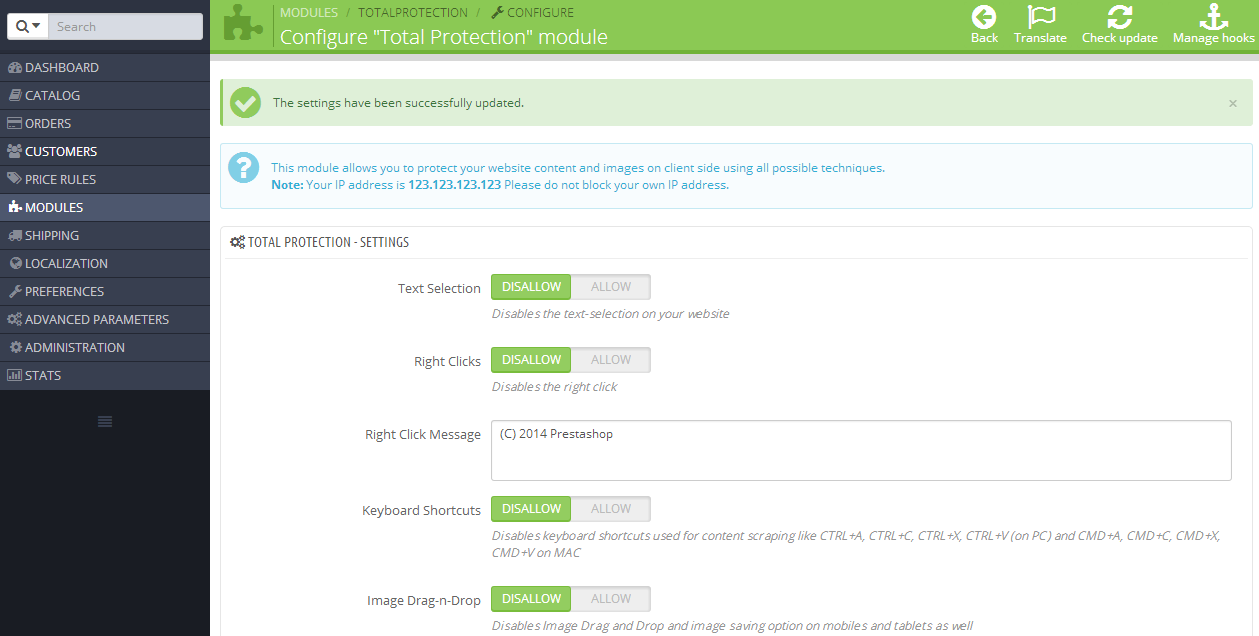
Prestashop Total Protection Pro
Protect your Prestashop site from content theft
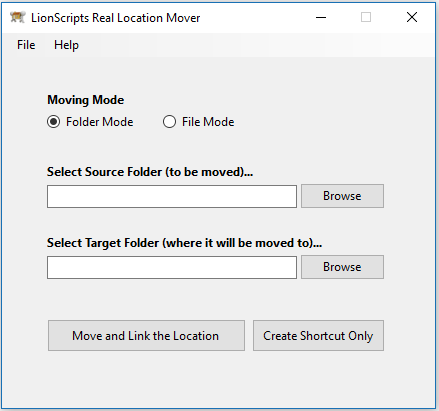
Windows Symlink Creator Pro
Free up disk space and boost Windows performance
Recently Added
Fresh releases and latest additions

CalculatorX
A calculator with history, one-tap GST, lakhs / crores grouping, Grand Total memory, and 13 themes. Free, offline, and works the way you expect.

Lion's Legacy
Encrypted vault for cards, bank accounts, identity documents, and final wishes. Runs 100% offline on iOS and Android with biometric unlock.

Offline Games
Play 30+ classic games offline, anywhere, anytime!
eDarpan WordPress Protection
Protect your WordPress site from content theft and malicious visitors
From the Blog
Guides and reviews related to LionPaste

How to Test an MCP Server Before Connecting It to Your AI Agent
MCP servers have exploded in popularity, but connecting one to your AI agent means trusting third-party code. Learn how to test an MCP server safely before you plug it in.

How to Estimate Project Management Software Costs for 2026
The sticker price is rarely what you actually pay. Learn how to estimate the true cost of project management software for 2026, from per-seat tiers to hidden add-ons.

How to Choose eCommerce Shipping Software That Scales in 2026
Your shipping process works fine until order volume triples or you add a second warehouse. Learn how to choose eCommerce shipping software that scales with your business in 2026.

How to Migrate Passwords and Passkeys Between Managers Safely
Switching password managers means moving sensitive data through vulnerable plaintext files. Learn how to migrate passwords and passkeys safely, step by step, without exposing your logins.