Every software purchase eventually forces the same uncomfortable question: do you pay once and own it, or pay forever and rent it? The industry has spent the last decade quietly herding everyone toward subscriptions, and there are real reasons for that — but "the vendor prefers it" isn't the same as "it's cheaper for you." Sometimes a subscription genuinely saves money. Often it doesn't.
This guide breaks down the perpetual license vs subscription software debate with actual numbers, honest tradeoffs, and a framework you can apply to your own situation. No cheerleading for either side — just the math and the judgment calls that the pricing pages tend to hide.
What's the difference between a perpetual license and a subscription?
A perpetual license means you pay once and keep the right to use that version of the software indefinitely. There's no expiry date. Updates and support may be included for a limited window (often a year), but the software keeps working long after that window closes.
A subscription means you pay on a recurring schedule — monthly or annually — and your access depends on continuing to pay. Stop paying, and the software typically stops working or drops to a crippled free tier. In exchange, you usually get ongoing updates, cloud features, and support for as long as the subscription is active.
The cleanest way to think about it:
- Perpetual = you buy the asset. It's yours, even if it ages.
- Subscription = you rent the service. It stays fresh, but only while you pay.
Neither model is inherently honest or dishonest. What matters is whether the price you pay matches the value you actually extract over time. Before you commit to either, it's worth reading our practical guide on how to buy software online safely — licensing model is only one of several things that bite people after checkout.
When a perpetual license saves you more money
The case for buying once is strongest when the software does a stable job that doesn't need constant reinvention. A clipboard manager, a calculator, a symlink utility — these tools solve a defined problem. They don't need a new feature every quarter to stay useful.
Tools you'll use for years without major change
Consider a desktop utility you rely on daily. At $39 one-time versus $6/month, the subscription overtakes the purchase price in roughly seven months. Keep the tool for three years and you've paid $216 instead of $39 — over five times more for software that didn't fundamentally change.
This is exactly the math behind buying something like Windows Symlink Creator Pro or a one-time CalculatorX license outright. The feature set is mature. You're not paying for a roadmap; you're paying for a job done. Plenty of the tools in our desktop utilities collection fit this pattern.
When you want to control your own upgrade timing
Perpetual licenses hand you the upgrade decision. If version 3 works perfectly, you can ignore version 4 and its price tag indefinitely. Subscriptions remove that choice — you get every update whether you wanted it or not, and you pay continuously for the privilege.
The hidden cost of subscriptions isn't the monthly fee. It's that you never reach a finish line. There's no point where the software is "paid off."
Budget predictability for individuals and small teams
If you're a freelancer or run a lean shop, a stack of subscriptions becomes a quiet monthly tax. Five tools at $10/month each is $600 a year, forever. The same five tools as perpetual purchases might cost $300 once. For software you'd use regardless, owning it removes a recurring line item you have to keep justifying.
When a subscription actually saves you more money
Subscriptions get a bad reputation, but there are clear situations where they're the smarter financial move. Dismissing them outright is just as lazy as defaulting to them.
Software that depends on constant updates
Security tools are the obvious example. A firewall, a malware scanner, or a site protection plugin is only as good as its most recent threat database. A perpetual license for a security product that stops receiving updates is a false economy — you own something that's slowly becoming useless against new attacks.
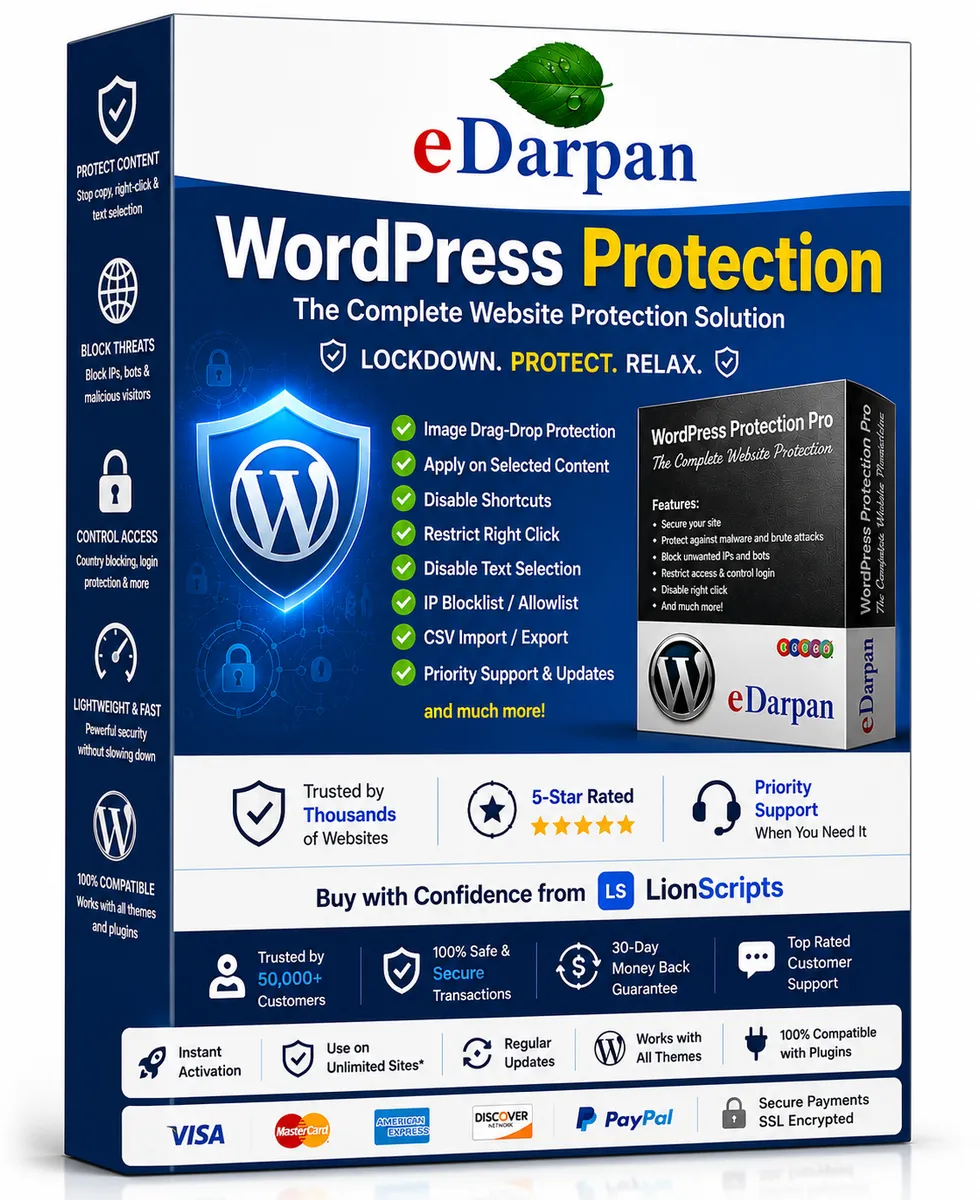
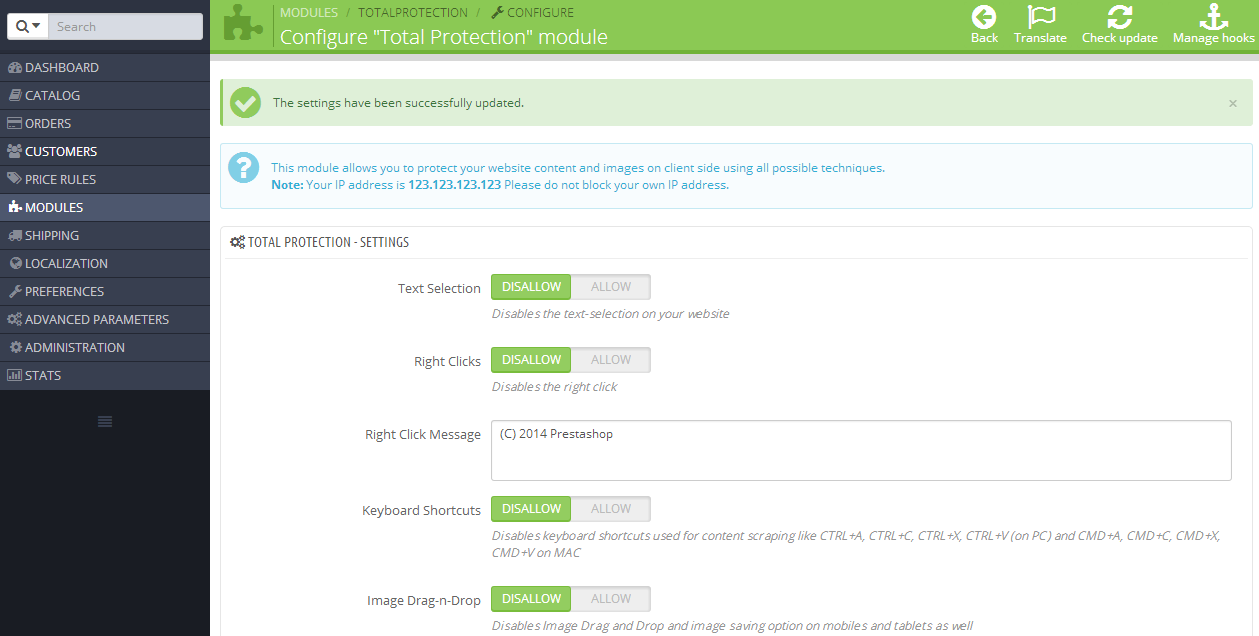
That's why ongoing protection products are usually best as active subscriptions. Tools like eDarpan WordPress Protection, SiteGuard Pro, and Prestashop Total Protection Pro earn their recurring fee by staying current. If you're assembling defenses for a site, our breakdown of the complete WordPress security stack explains why layered, maintained tools matter more than one-time purchases here.
Short-term or seasonal needs
If you only need a tool for two months — a one-off migration, a temporary project, a busy season — a subscription you can cancel is far cheaper than buying a perpetual license you'll abandon. Renting beats buying when the relationship is short.
When you genuinely want every new feature
For fast-moving categories like AI tools, the software you bought last year may already be obsolete. When capabilities improve monthly, subscription pricing aligns your spend with a product that's actively getting better. You're paying for momentum, and in that context the momentum is real.
The hidden costs nobody puts on the pricing page
The sticker comparison is never the whole story. A few costs hide in the fine print on both sides.
- Perpetual "free updates for 12 months." Read this carefully. The license is perpetual, but security patches and feature updates may stop after a year unless you renew support. The software keeps running — it just stops improving.
- Subscription price creep. The $5/month you signed up for has a way of becoming $9, then $12. You're rarely grandfathered in forever.
- Data lock-in on subscriptions. Cancel, and you may lose access to cloud-stored data or settings. Factor in the switching cost, not just the monthly fee.
- Counterfeit "lifetime" deals. A suspiciously cheap perpetual license from a sketchy reseller often means a key that gets revoked. Learn to spot fake software license keys before you buy so a "great deal" doesn't become a dead license.
This is also why where you buy matters as much as what you buy. A reputable software marketplace with clear licensing terms beats a marketplace race-to-the-bottom every time. If a deal looks impossible, it usually is.
A simple framework to decide for any tool
Run any purchase through these four questions and the right model becomes obvious.
- Does it need constant updates to stay useful? If yes (security, AI, anything internet-facing) → lean subscription. If no (utilities, calculators, offline tools) → lean perpetual.
- How long will you actually use it? Under six months → subscription. Multiple years → perpetual almost always wins on cost.
- Do you value control or convenience more? Want to freeze your version and stop paying? Perpetual. Want always-latest with zero decisions? Subscription.
- What's the break-even point? Divide the perpetual price by the monthly fee. That's how many months until the subscription costs more. Compare it honestly to your expected usage.
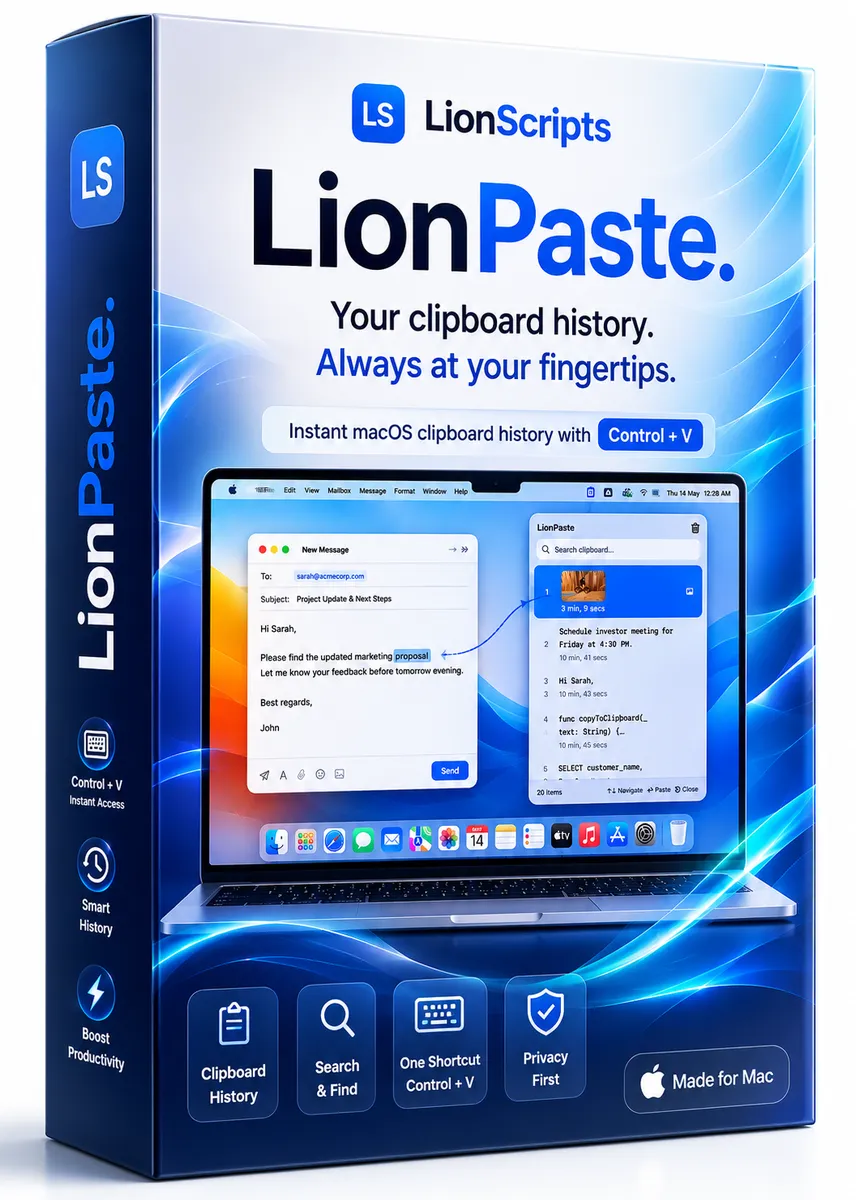
Apply this and you'll find most categories sort themselves cleanly. Offline, mature tools — think LionPaste for clipboard management or the entirely offline Offline Games — make excellent one-time buys. Live services that defend or evolve are better rented. You can browse both models across our full product catalog and decide tool by tool rather than committing to one philosophy.
Frequently Asked Questions
Is a perpetual license always cheaper than a subscription?
No. A perpetual license is usually cheaper for software you'll use for years without needing major updates. But for tools that depend on constant updates — like security software — a perpetual license can become a liability once updates stop. Run the break-even math against how long you'll realistically use it.
What happens to perpetual license software when I stop paying for updates?
The software keeps working with the features you already have. You typically lose access to new updates, security patches, and sometimes support after the included window expires. For offline or stable tools that's fine; for internet-facing software it can become a security risk over time.
Why are so many companies switching to subscriptions?
Recurring revenue is more predictable and more lucrative for vendors, and it funds continuous development. That's a genuine benefit for fast-moving products, but it also means you never finish paying. Whether it's good for you depends entirely on whether the software keeps delivering value worth the recurring cost.
Can I trust cheap lifetime software deals?
Be cautious. Legitimate lifetime deals exist, but suspiciously cheap "perpetual" keys from unknown sellers are often revoked or counterfeit. Buy from a reputable marketplace with clear terms, and check our guide on spotting fake license keys before committing money to a deal that looks too good.
Which is better for a small business or freelancer?
It's usually a mix. Buy perpetual licenses for stable, everyday tools to avoid endless monthly costs, and subscribe only to services that must stay current — like security and AI tools. Auditing your stack once a year and cancelling subscriptions you've outgrown is one of the easiest ways to cut software spend. Our support team can help clarify licensing terms before you buy.
Cover image: My computer by heinousjay, licensed under BY-SA 2.0 via Openverse.