That $200 design suite selling for $12 on a marketplace you've never heard of? It's almost certainly a fake. The market for cheap software keys is enormous, and the people running it are good at looking legitimate — clean checkout pages, fake reviews, even support chat widgets that reply in seconds. The trouble is that a deactivated or stolen license key can cost you far more than the original software: lost data, blocked updates, malware bundled into a "cracked" installer, and sometimes a legal headache.
The good news is that fake software license keys leave fingerprints. Once you know what to look for, you can spot most of them in under a minute. This guide walks through the warning signs, the verification steps that actually work, and how to buy with confidence so you never have to gamble on a key again.
What Are Fake Software License Keys?
A fake software license key is any activation code that isn't legitimately licensed to you. That covers a wider range of situations than most people realize, and not all of them look obviously shady.
- Stolen or "grey market" keys — real keys obtained through fraud, chargebacks, or bulk volume licenses meant for a single organization, then resold individually.
- Generated keys — codes spat out by a keygen that may activate temporarily before the vendor's servers catch them.
- Region-locked keys — legitimately cheaper keys purchased in low-cost regions and resold in violation of the license terms, often non-functional outside their region.
- Reused keys — a single key sold to dozens of buyers, where only the first few activations succeed.
- Completely invalid keys — strings of characters that were never anything at all.
The reason this matters is simple: most of these will eventually stop working. Vendors run regular audits, and when a key gets flagged, the software deactivates — sometimes mid-project. If you want the full picture of how activation and entitlement actually function behind the scenes, our explainer on how software licensing actually works in 2026 is worth ten minutes.
The Warning Signs of a Fake Software License Key
No single red flag is conclusive, but they cluster. If a listing trips two or three of these, walk away.
The price is impossibly low
This is the loudest signal. Legitimate discounts exist — educational pricing, seasonal sales, bundle deals — but they rarely exceed 50–60% off, and never permanently. A perpetual license for enterprise software at 90% off is not a deal; it's a flag. Ask yourself how a seller could profit at that price. The honest answer is usually that the key cost them nothing because it was stolen or fabricated.
Vague or missing license details
A real seller tells you exactly what you're buying: the edition, the version, whether it's a perpetual or subscription license, how many devices it covers, and whether updates are included. Fake listings stay deliberately vague — "Full version, lifetime, all features" with no specifics. If the listing can't name the license type, the key behind it probably can't be verified either.
No verifiable seller identity
Who are you actually buying from? A trustworthy marketplace publishes a real company name, contact channels, and a refund policy you can read before checkout. Look at our about page and support and contact options as a baseline for what transparency should look like. If the only way to reach a seller is a Telegram handle, you have no recourse when the key dies.
Payment-only via untraceable methods
Sellers who insist on cryptocurrency, gift cards, or direct bank transfers — and refuse anything with buyer protection — are removing your ability to dispute the charge. That's the point. Legitimate marketplaces support payment methods that let you reverse a fraudulent transaction.
Pressure tactics and fake scarcity
"Only 3 keys left!" countdown timers that reset when you reload the page are designed to short-circuit your judgment. Real inventory doesn't behave like a slot machine.
How to Verify a License Key Before You Buy
Spotting red flags filters out the obvious scams. Verification handles the convincing ones. Here's a practical sequence you can run before money changes hands.
- Check the vendor's authorized reseller list. Most software companies publish a list of approved resellers. If the marketplace isn't on it, the keys may be grey market even if everything else looks polished.
- Read the activation terms. Does the key support online activation directly with the vendor, or only a "manual" process where you send a screenshot? Manual activation is a workaround for keys that can't pass real verification.
- Search the listing text. Copy a line of the product description into a search engine. Scam listings are mass-produced, so identical wording often appears across dozens of sketchy sites.
- Look for a real refund window. A seller confident in their keys offers a genuine money-back guarantee if the key fails to activate. No refund policy is itself a red flag.
- Test the support channel before buying. Send a specific question. A vendor that answers clearly — not with copy-paste deflection — is one you can hold accountable later.
This same verification mindset applies well beyond keys. We cover the broader checklist in how to buy software online safely, and the parallel process for add-ons in how to vet browser extensions before you install them.
The Hidden Risks of Cheap and Cracked Software
People sometimes accept the risk of a key dying because the price was so low. But the dead key is the best-case outcome. The worse ones are quieter.
A pirated installer isn't just unlicensed software — it's an unknown binary running with full permissions on your machine. You have no idea what was added to it.
Cracked installers are a favorite delivery vehicle for malware: keyloggers, crypto miners, ransomware loaders. The "patch" you run to bypass activation is, by definition, code that modifies the program's behavior — and you're trusting an anonymous stranger to have modified only the part you wanted. For anyone managing a website or a business, that exposure compounds. A single compromised admin workstation can hand over your entire CMS.
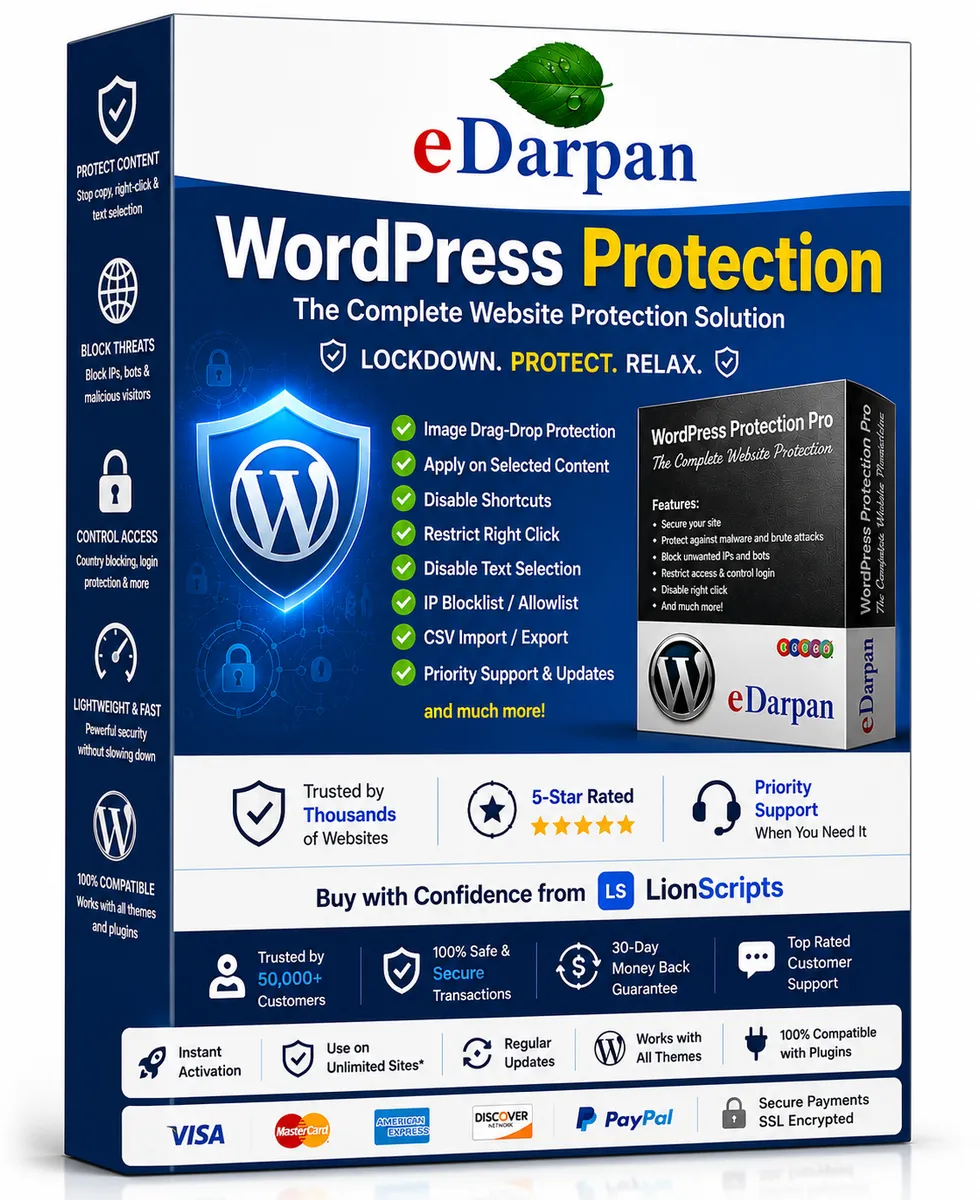
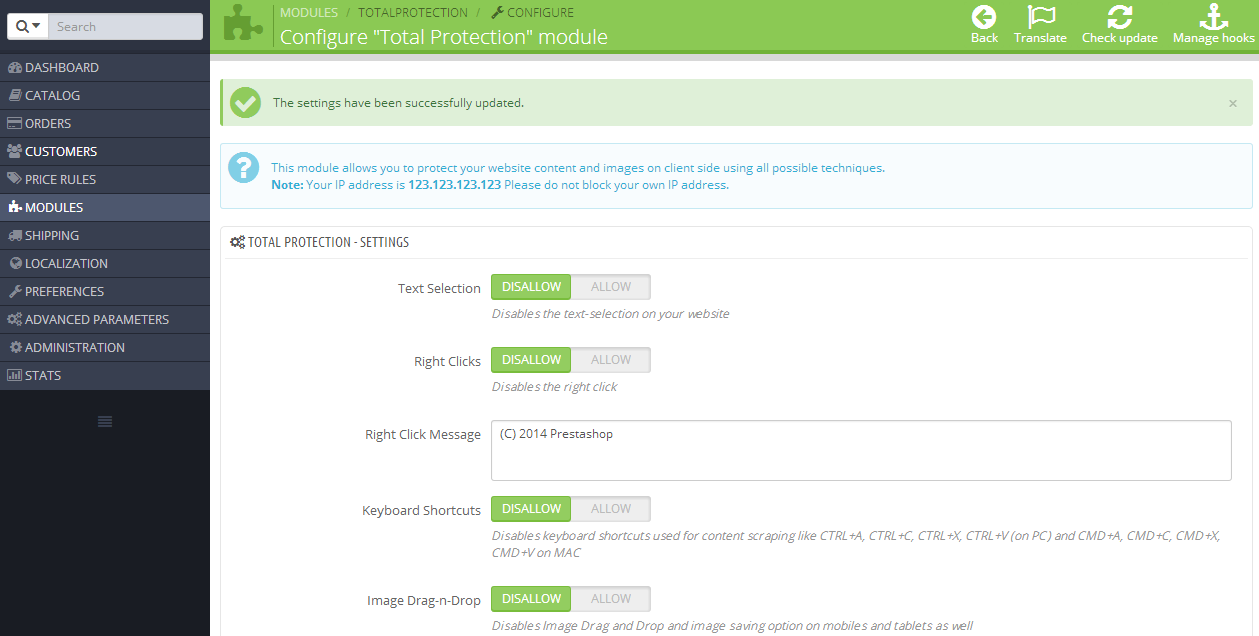
If you run WordPress, this is exactly why a layered defense matters; our complete WordPress security stack guide walks through it, and tools like eDarpan WordPress Protection and the free WordPress IP Blocker Pro exist precisely because the cost of one bad install is so high. Prestashop and Joomla store owners face the same calculus with Prestashop Total Protection Pro and Joomla Copy Protection Pro.
How to Buy Software Keys Safely
Buying legitimately doesn't have to mean paying full sticker price forever. It means buying from somewhere accountable. Here's what a trustworthy purchase looks like in practice.
Buy from a marketplace with a real catalog and support
A platform that lists its full product range and organizes everything into clear browsable categories — from Windows software to WordPress plugins — is structurally different from a single-page key shop. There's a business behind it, a reputation to protect, and a support team you can reach.
Prefer tools with clear, honest licensing
The products we publish at LionScripts spell out their license terms up front — what you get, for how long, and across how many machines. A clipboard manager like LionPaste or a utility like Windows Symlink Creator Pro should never require a "manual activation" workaround, and neither should yours.
Keep your purchase records
Save the receipt, the license email, and the activation confirmation. If you ever need to reinstall or prove ownership, those records are your proof. Legitimate vendors keep their side too, which is why re-issuing a lost key is a five-minute support request rather than an impossibility.
Frequently Asked Questions
How can I tell if a software license key is fake before activating it?
You usually can't confirm a key is genuine just by looking at it — the characters look the same. Instead, verify the seller: check whether they're an authorized reseller, whether the listing specifies the exact license type, and whether they offer a refund if activation fails. A legitimate key activates directly with the vendor's servers without a "manual" workaround.
Why are some software keys so much cheaper than others?
Legitimate price differences come from edition tiers, educational discounts, bundles, or older versions. Extreme discounts — 80% or 90% off perpetual licenses — almost always indicate stolen, region-locked, or reused keys. If you can't explain how the seller profits at that price, assume the key is compromised.
What happens if I buy a fake license key?
In the best case, the key never activates and you've lost your money. More commonly, it works briefly and then deactivates during a vendor audit, cutting you off from updates and sometimes the software itself mid-use. Cracked installers can also carry malware, which is the most damaging outcome of all.
Is buying a grey market key illegal?
It varies by jurisdiction and license agreement, but grey market keys almost always violate the software's terms of service, which can void your license at the vendor's discretion. Even where it isn't criminal, it leaves you with no recourse when the key is revoked. The safe path is buying from an authorized source.
Where can I buy genuine software safely online?
Buy from established marketplaces that publish a real company identity, a refund policy, and reachable support — like the LionScripts marketplace. Avoid sellers who only take untraceable payments or hide their license details. Our guide on buying software online safely breaks down the full checklist.
Do legitimate keys ever stop working?
Genuine keys can require reactivation after major hardware changes, but a legitimate vendor will re-issue or reset them through support when you can show proof of purchase. If your key permanently dies and the seller vanishes, that's a strong sign it was never legitimate to begin with. Keep your receipts so you always have leverage.
Cover image: My computer by heinousjay, licensed under BY-SA 2.0 via Openverse.