Open your bank statement and look at the recurring charges. If you're like most people and most small businesses, there's a cluster of monthly debits somewhere in there that you can't quite explain. A $9 line here, a $29 line there, a $200 annual renewal that quietly hit last Tuesday. Individually they feel harmless. Together they can swallow hundreds or even thousands of dollars a year for tools nobody on the team has logged into since spring.
Auditing software subscriptions isn't glamorous work, but it's one of the highest-return hours you can spend. You're not just trimming waste — you're tightening security, reducing the surface area for forgotten accounts, and forcing yourself to decide what you actually rely on. This guide walks through how to do a thorough audit, what to cancel, what to keep, and how to avoid sliding back into subscription creep next quarter.
Why You Should Audit Software Subscriptions Regularly
Subscription pricing is designed to be forgettable. That's the whole point. A vendor would much rather charge you $12 a month than ask for $300 once, because the small recurring number slips past your mental budgeting. Multiply that across a dozen tools and you've built an invisible second rent payment.
Beyond the money, unused subscriptions carry real risk. Every active account is a login that can be phished, a credit card stored somewhere, and a data trail that keeps growing. A SaaS tool you abandoned two years ago may still be holding customer records — and may have been breached without you ever hearing about it. Cancelling isn't just frugal; it's basic hygiene.
There's also a strategic angle. When you finally tally everything up, you often discover you're paying for a subscription that does one job, when a one-time purchase would have covered it permanently. We've made the full case for that comparison in our breakdown of perpetual license vs subscription software, and it's worth reading before you renew anything expensive.
How to Find Every Subscription You're Paying For
The hardest part of any audit is simply seeing everything. Subscriptions hide across personal cards, business cards, app stores, and PayPal. Here's a reliable order of operations.
1. Pull statements from every payment source
Export the last 12 months of transactions from each card and payment account. Twelve months matters because annual subscriptions only show up once — the worst offenders are often the ones that renewed quietly in January and won't reappear until next January.
2. Check the app store and platform dashboards
Apple, Google Play, and the Microsoft Store each keep their own subscription list that never appears as a clean line item on your statement. Open each one:
- iOS: Settings → your name → Subscriptions
- Android: Google Play → Payments & subscriptions
- Mac/Windows: Account settings inside the respective store
3. Search your inbox for receipts
Run searches like receipt, your subscription, renews on, and payment confirmation. Email is where the ghosts live — services you signed up for during a project that ended long ago.
4. Build one master list
Put everything in a single spreadsheet: tool name, cost, billing frequency, renewal date, who uses it, and what it replaces. This list is the entire audit. Everything after this is just decisions.
How to Decide What to Cancel and What to Keep
Once you have the list, resist the urge to cancel emotionally. Use a consistent test for each line. I score every subscription on three questions, and the answers usually make the decision obvious.
- Used in the last 30 days? If nobody has logged in, that's a strong cancel signal — though watch out for the "set it and forget it" tools like backups and security that work silently. Those count as used.
- Does it duplicate something else I pay for? Overlap is everywhere. Three tools that all do screenshots, two password managers, a project tracker plus a separate note app you also use for tasks.
- Would a one-time purchase do the same job? This is the question that saves the most money over time.
Watch for the "silent but essential" trap
Some of the most valuable software never demands your attention — which makes it dangerously easy to cancel by mistake. Site security is the classic example. If you run a WordPress site, a quiet plugin handling brute-force defense or blocking malicious IPs is doing its job precisely because you never think about it. Before you axe anything in that bucket, read our complete WordPress security stack guide so you know what's actually protecting you.
The "I might need it someday" subscription
Be honest about this category. "Someday" tools should almost always be cancelled, because most can be re-subscribed in two minutes when "someday" actually arrives. Paying every month for a hypothetical future is the single biggest source of subscription waste.
How to Replace Recurring Tools With One-Time Purchases
Here's where an audit turns from defense into offense. For a surprising number of categories, the recurring tool you're renting has a one-time-purchase equivalent that does the same job — and you own it forever.
A few common swaps worth checking:
- Clipboard and productivity utilities. Plenty of people pay monthly for a clipboard manager. A perpetual-license option like LionPaste handles the same workflow without the recurring bill — we covered it in detail in our LionPaste review.
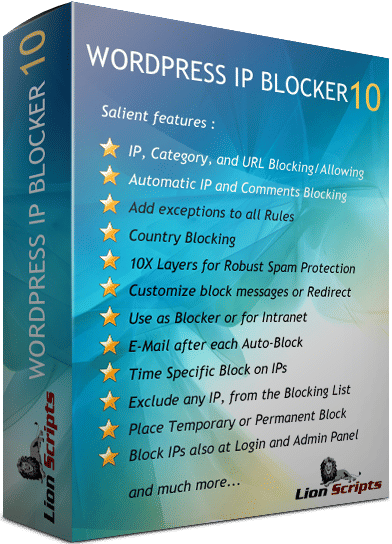
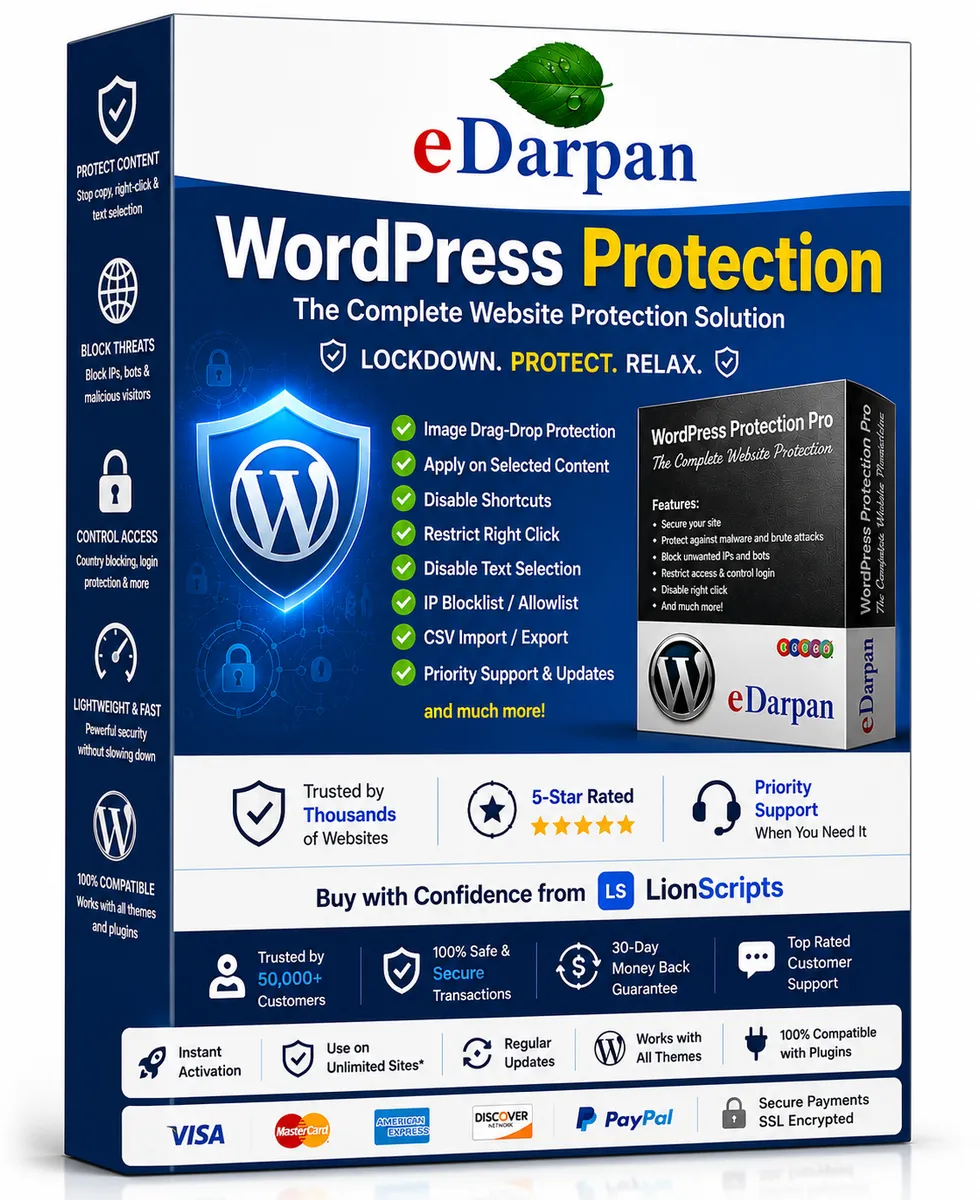
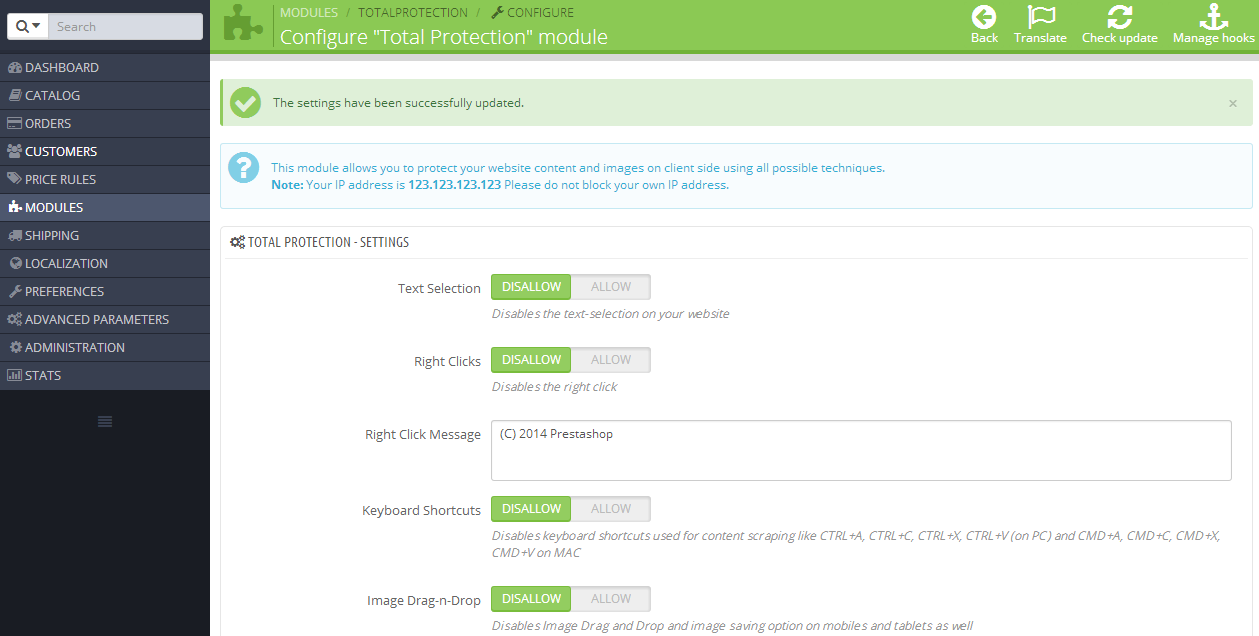
- Website protection. Instead of stacking multiple security subscriptions, a focused tool like eDarpan WordPress Protection or WordPress IP Blocker Pro can consolidate what you need. Store owners on PrestaShop or Joomla have equivalents in Prestashop Total Protection Pro and Joomla Copy Protection Pro.
- Desktop and admin utilities. Niche helpers like a symlink creator or a calculator rarely need to be subscriptions at all. Browse the desktop utilities and Windows software categories before renting one.
When you're shopping for a replacement, don't just chase the lowest price. Verify the seller and the license. We wrote a full primer on how to buy software online safely that covers the warning signs worth knowing — and a companion piece on spotting fake license keys, because a cheap key from a sketchy reseller is no bargain.
How to Cancel Without Losing Your Data
Cancelling carelessly can cost you more than the subscription did. Follow a short checklist before you click the button.
- Export your data first. Many tools delete your data after cancellation or lock it behind a paywall. Download everything you might want — projects, files, contacts, settings.
- Note the exact renewal date. Cancel after you've used the time you've already paid for, but well before the next charge. Set a calendar reminder a few days early.
- Screenshot the cancellation confirmation. "I cancelled, I swear" is not a refund argument. A confirmation email or screenshot is.
- Remove stored payment methods where possible. This prevents accidental re-activation and shrinks your exposure if the vendor is ever breached.
A subscription you cancel but never log out of and never delete your data from is only half cancelled. Finish the job.
How to Stop Subscription Creep From Coming Back
An audit fixes today's problem. A system prevents next year's. A few habits keep the list from quietly regrowing:
- Calendar the renewals. Add a reminder a week before every annual renewal so you make an active decision instead of paying by default.
- Default to one-time purchases. When evaluating any new tool, ask whether a perpetual license exists first. The LionScripts catalog and its category pages are organized around exactly that preference.
- Use a single card for software. One card for all subscriptions makes every future audit a five-minute job instead of a treasure hunt.
- Schedule a quarterly review. Fifteen minutes every three months beats a dreaded annual reckoning.
Do this once properly and you'll likely find a few hundred dollars a year you can stop spending — plus the quiet satisfaction of knowing exactly what's running, what it costs, and why.
Frequently Asked Questions
How often should I audit my software subscriptions?
A full audit once a year is the minimum, ideally early in the year before annual renewals stack up. A lighter quarterly check of your subscription list takes fifteen minutes and catches new additions before they become invisible. Businesses with multiple team members should review more often, since people sign up for tools faster than they remember to cancel them.
What's the fastest way to find all my subscriptions?
Start by exporting 12 months of transactions from every card and payment account, then check the subscription dashboards inside the Apple, Google, and Microsoft stores separately, since those rarely show as clean statement lines. Finish by searching your email for terms like "receipt," "renews on," and "subscription." Put everything into one spreadsheet — that master list is the audit.
Is it cheaper to buy software once instead of subscribing?
For many tools, yes — especially utilities, security plugins, and productivity apps you'll use for years. A subscription wins when the software needs constant cloud infrastructure or frequent major updates, but for steady, self-contained tools a one-time license usually pays for itself within a year or two. Our perpetual license vs subscription comparison walks through the math.
What should I do before cancelling a subscription?
Export any data you might need, note the exact renewal date so you cancel before the next charge, and save the cancellation confirmation. Where the platform allows it, remove your stored payment method to prevent accidental reactivation and reduce your exposure if the vendor is breached later.
Can cancelling subscriptions improve my security?
Absolutely. Every unused account is a login that can be phished and a store of data that can leak. Shutting down dormant subscriptions shrinks your attack surface — though be careful not to cancel silent-but-essential tools like backups and site protection, which work in the background precisely so you don't have to think about them. If you're unsure about your website
Cover image: My computer by heinousjay, licensed under BY-SA 2.0 via Openverse.