Last month I watched a founder paste his live production database password into a chat window so an AI agent could "just fix the migration." It worked. The agent ran the query, the site came back up, and everyone moved on. But that password was now sitting in a third-party chat log, a browser cache, and probably a training pipeline nobody could audit. That single copy-paste is the most common security mistake I see in teams adopting AI agents, and it is completely avoidable.
Here is a number worth sitting with: according to IBM's 2024 Cost of a Data Breach report, credential-based breaches cost an average of $4.81 million and take 292 days to identify and contain. As AI agents start touching your email, your calendar, your cloud storage, and your codebase, the surface area for leaked credentials grows fast. The good news is that giving an AI agent access does not require handing it your password. In most cases it never should.
In this article I will walk you through exactly how to grant AI agents the access they need using scoped tokens, OAuth, and least-privilege patterns, with a real worked example, a comparison of the main approaches, and a step-by-step setup you can follow today. If you care about ai agent password access without turning your accounts into a liability, this is your playbook.
Key Takeaways
- Never paste raw passwords into an AI agent. Use scoped API tokens, OAuth grants, or delegated service accounts instead.
- Least privilege is the whole game. Grant the narrowest scope, shortest lifetime, and smallest resource set that still lets the agent do its job.
- Prefer revocable credentials. A token you can kill in one click beats a password you have to rotate across a dozen services.
- Isolate the agent's environment. Run it on data you control, log everything, and keep secrets out of prompts.
- Audit regularly. Review connected apps and OAuth grants monthly and revoke anything the agent no longer uses.
Why Sharing Passwords With AI Agents Is a Bad Idea
A password is a master key. It usually unlocks everything an account can do, including changing the password itself, deleting data, and adding new users. When you hand that key to an AI agent, three things happen that you cannot easily undo.
- The secret leaves your control. It lands in prompt history, vendor logs, and possibly model context that you cannot inspect or purge.
- Scope becomes unlimited. A password does not know the difference between "read my calendar" and "wire money." It grants full account power.
- Revocation is painful. To cut off the agent you must change the password everywhere it is used, which often breaks other integrations.
Contrast that with a scoped token. If a token leaks, you revoke that single token, and nothing else breaks. The agent gets a new one next time it runs. This is the same principle behind auditing OAuth permissions, and it is worth reading our guide on how to audit and revoke risky OAuth app permissions to see how quickly access can sprawl when nobody is watching.
The phishing angle nobody talks about
AI agents also make phishing worse. If your workflow trains you to paste credentials into chat-like interfaces, you become far more likely to fall for a fake one. Attackers have already noticed. Our breakdown of the new phishing scam targeting password manager users shows how convincing these lures have become. The safest habit is simple: your password never goes into any tool that talks to a model.
The Safer Alternatives: Tokens, OAuth, and Delegated Access
There are four practical ways to give an AI agent access without sharing a password. Each fits a different situation.
1. Scoped API tokens
Most modern services let you generate an API token with specific permissions and an expiry date. GitHub fine-grained personal access tokens, Stripe restricted keys, and Google Cloud service account keys all work this way. You define exactly what the token can touch, hand only that token to the agent, and revoke it the moment you are done.
2. OAuth authorization
OAuth lets a user approve specific scopes without ever revealing the password. When an agent asks to connect to your Gmail, you see a consent screen listing what it wants ("read messages" but not "send" or "delete"). You approve, and the service issues a token behind the scenes. You can revoke it from your account settings at any time.
3. Delegated service accounts
For agents that run continuously, create a dedicated service account, a non-human identity with its own limited permissions. The agent authenticates as that account, so its actions are logged separately and its blast radius is contained. If the account is compromised, your personal identity stays clean.
4. Local execution with secrets in a vault
Sometimes the best answer is to keep the agent close to home. Running a model locally means prompts and secrets never leave your machine. Our guide to running Ollama locally to keep your AI data private covers this in depth, and it pairs well with a secrets manager that injects credentials at runtime rather than storing them in plain text.
Password vs Token vs OAuth vs Service Account: A Direct Comparison
Here is how the four approaches stack up on the criteria that actually matter when you are handing access to an autonomous agent.
| Method | Scope Control | Revocable | Auditable | Expiry | Leak Blast Radius |
|---|---|---|---|---|---|
| Raw password | None (full account) | Only by full reset | Poor | Never | Catastrophic |
| Scoped API token | High | One click | Good | Configurable | Limited to scope |
| OAuth grant | Medium to high | One click | Very good | Refresh-based | Limited to scopes |
| Service account | High | Disable account | Excellent | Key rotation | Isolated identity |
The pattern is obvious. A password loses on every meaningful axis. The right choice usually comes down to whether a human needs to approve access once (OAuth) or the agent runs unattended (service account or scoped token).
A Worked Example: Giving an Agent Access to 12 Services Safely
Let me make this concrete. Say you run a small ecommerce operation and you want an AI agent to help with support triage, reporting, and light automation. It needs to touch 12 services: Gmail, Stripe, your Shopify store, Google Sheets, Slack, a Postgres database, GitHub, Google Analytics, Notion, Zendesk, AWS S3, and your CMS. Right now you are tempted to just log the agent in as you.
The before scenario: You share your primary password (reused across 4 of those 12 services, because who doesn't) and connect everything through your personal account. If any single credential leaks, the attacker owns your email, your money, and your customer data in one shot. Revocation means changing 4 passwords and reconnecting a dozen integrations.
The after scenario: You spend 40 minutes setting up scoped access. Here is the exact breakdown.
- Gmail: OAuth grant, read-only scope. The agent can triage but cannot send or delete.
- Stripe: Restricted key with read access to charges and customers, zero write permissions. No refunds, no payouts.
- Shopify: Custom app token limited to
read_ordersandread_products. - Google Sheets: Share only the two specific spreadsheets the agent uses, with a dedicated service account email.
- Slack: Bot token scoped to one channel,
chat:writeonly. - Postgres: A read-only role (
GRANT SELECT) on three tables, noDELETEorDROP. - GitHub: Fine-grained PAT scoped to one repository, read-only, 90-day expiry.
- Google Analytics: Viewer role on one property only.
- Notion: Integration shared with a single "AI Reports" page, not the whole workspace.
- Zendesk: OAuth with a read-and-comment scope, no admin.
- AWS S3: IAM role with
s3:GetObjecton one bucket prefix, nothing else. - CMS: An editor account, not admin, created specifically for the agent.
Now if any credential leaks, the worst case is that an attacker reads a few orders or a support ticket. Your money, your infrastructure, and your customer PII stay locked. And you can kill any single grant from a dashboard without touching the other 11. That is the entire difference between a bad afternoon and a $4.8 million incident.
Step-by-Step: Setting Up Scoped AI Agent Access
Here is a repeatable process you can apply to almost any service. I use this checklist every time I connect a new agent.
- Map the tasks first. Write down exactly what the agent needs to do, not what it might want. "Read incoming support emails" is a task. "Access my Gmail" is not.
- Translate tasks into scopes. For each task, find the narrowest permission that covers it. Read-only wherever possible.
- Create a dedicated identity. Where the service supports it, make a service account or bot user so the agent's actions are logged separately from yours.
- Generate a scoped credential. Use OAuth if a human approves once, or a scoped API token for unattended runs. Set an expiry, 30 to 90 days is a sane default.
- Store it in a vault, not a prompt. Put the token in a secrets manager or environment variable. Never paste it into the chat window itself.
- Test with a dry run. Confirm the agent can complete its task and, just as important, confirm it cannot do dangerous things like delete records.
- Enable logging and alerts. Turn on access logs so you can see what the agent touched and get notified of anything unusual.
- Set a review reminder. Calendar a monthly check to revoke unused grants and rotate keys.
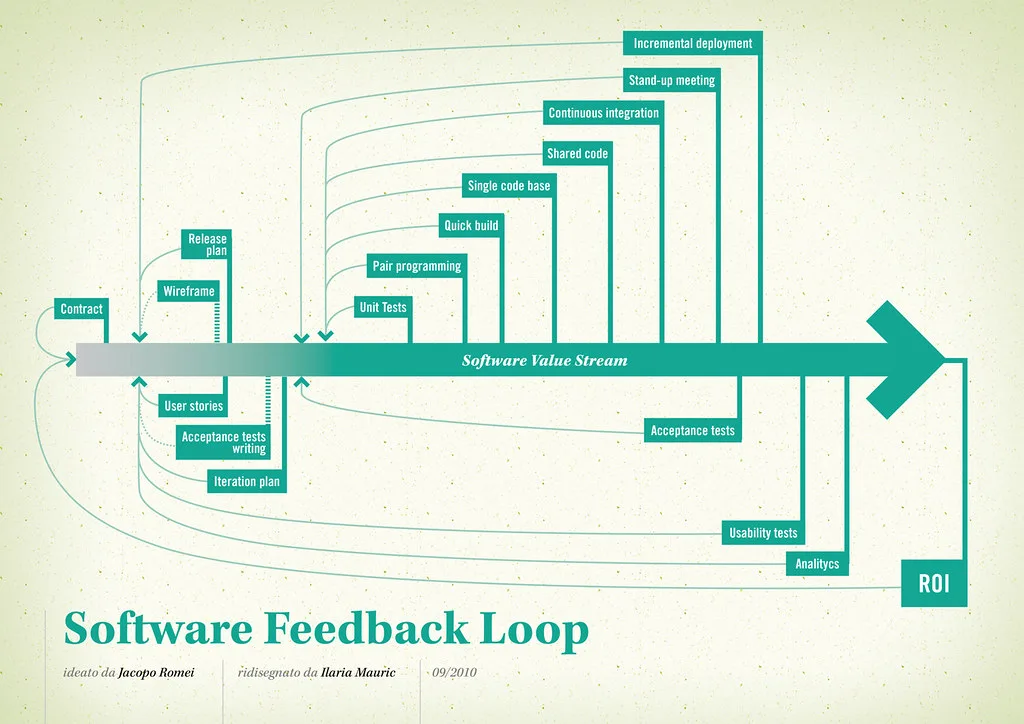
Cover image: Software value feedback loop by jakuza, licensed under BY-SA 2.0 via Openverse.