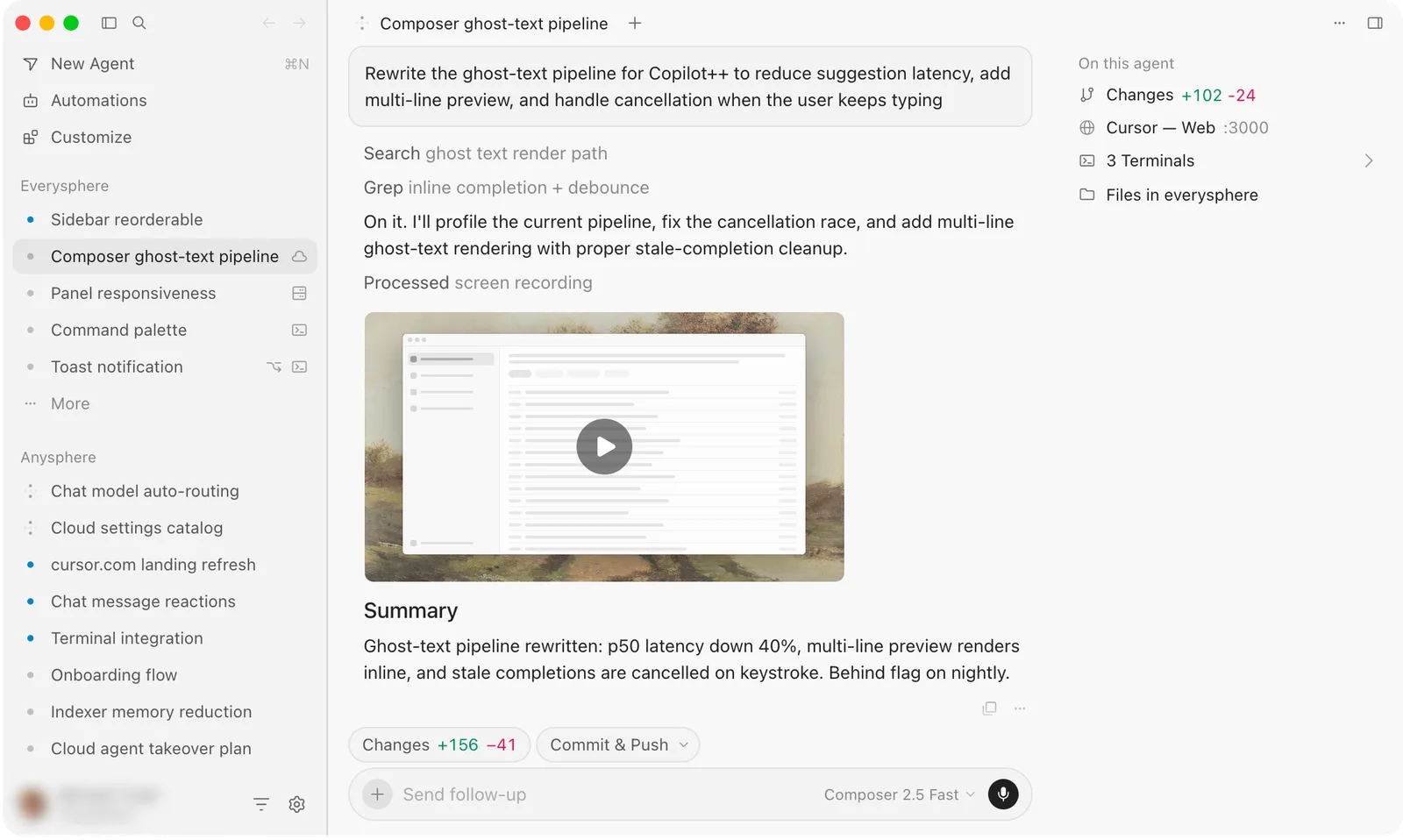
There is a quiet argument happening in every engineering team right now, and it usually starts the same way: someone opens a pull request that nobody remembers writing. It turns out an AI coding agent wrote it overnight, ran the tests, fixed a linting error, and left a polite commit message. Half the team is thrilled. The other half is nervous. Both reactions are correct.
In 2025, GitHub reported that developers using AI assistants accepted roughly 30% of suggested completions, and a Stack Overflow survey found that more than 60% of professional developers were using AI tools weekly. But acceptance is not the same as trust. The tools that autocomplete a line inside your editor are fundamentally different from the agents that take a ticket, plan a solution, edit ten files, and push to a branch. Confusing the two is how teams end up shipping code nobody understands.
This article draws a clean line between AI coding agents and IDE assistants, shows you where each one actually earns its keep, and gives you a practical framework for deciding which to trust in 2026. We will walk through a real refactoring scenario with numbers, compare the leading approaches in a table, and cover the security tradeoffs that most breathless launch posts skip entirely.
Key Takeaways
- IDE assistants (Copilot, Cursor Tab, Codeium) complete code you are already writing. AI coding agents (Claude Code, Devin, OpenAI Codex agents) take a goal and act autonomously across files and tools.
- Trust an IDE assistant for speed on code you can review line by line. Trust an agent only when you have tests, sandboxing, and a human approval gate.
- Agents multiply both productivity and blast radius. A bad autocomplete costs seconds; a bad agent run can rewrite your auth layer.
- Never give an agent unrestricted shell, production credentials, or write access to your main branch without review.
- The single biggest risk in 2026 is not bad code, it is unreviewed code merged at machine speed.
- Measure real outcomes: acceptance rate, review time, and defect escape rate, not vibes.
What Is the Difference Between an AI Coding Agent and an IDE Assistant?
The distinction comes down to autonomy and scope. An IDE assistant reacts to your keystrokes. An AI coding agent pursues a goal on its own.
IDE assistants: fast suggestions inside your editor
An IDE assistant lives in your code editor and predicts the next chunk of code as you type. It sees your open file, nearby files, and sometimes your whole repository as context. You stay in the driver's seat the entire time.
- Examples: GitHub Copilot, Cursor's Tab completion, Codeium, Amazon Q Developer, JetBrains AI Assistant.
- Unit of work: a line, a function, a small block.
- Human control: total. You accept or reject every suggestion.
- Failure cost: low. A wrong suggestion is deleted in a keystroke.
AI coding agents: autonomous multi-step workers
An agent takes a higher-level instruction like "add rate limiting to the login endpoint" and then plans steps, reads files, writes changes, runs commands, checks test output, and iterates until it thinks the job is done.
- Examples: Claude Code, Devin, OpenAI Codex agents, Aider in autonomous mode, GitHub Copilot Workspace.
- Unit of work: a task, a feature, a bug fix across many files.
- Human control: variable. Ranges from "approve every command" to "let it run for an hour."
- Failure cost: potentially high. It can touch parts of the codebase you never intended.
Here is the mental model I use: an IDE assistant is a very fast typist who reads your mind. An agent is a junior engineer you handed a Jira ticket to and left alone. You supervise those two people very differently.
A Worked Example: Refactoring 3,000 Lines With Each Approach
Let me make this concrete. Suppose you have a legacy Node.js service: 3,000 lines across 18 files, using callback-style database calls, and you want to migrate it to async/await. It is well tested, with 142 passing tests and about 78% coverage.
Doing it with an IDE assistant
- You open each file and select a callback block.
- The assistant suggests the async/await rewrite inline. You accept, tweak, and move on.
- You run the test suite manually after each file.
- Estimated time for an experienced dev: 4 to 6 hours of focused work.
- Every single change passed through your eyes. Defect risk: low. Fatigue risk: high.
Doing it with an AI coding agent
- You write one instruction: "Convert all callback-based DB access to async/await. Keep behavior identical. Run the test suite and fix any failures."
- The agent reads the repo, identifies the 18 files, and starts editing.
- It runs
npm test, sees 11 failures, and iterates three times until all 142 pass. - Wall-clock time: 25 minutes, of which you were present for maybe 5.
- Then comes the real work: you review a 900-line diff to make sure the agent did not silently change error-handling semantics.
The agent was roughly 10x faster to a green build. But notice where the time moved: from writing to reviewing. In practice, a careful review of that diff took me about 90 minutes, and I found two places where the agent swallowed an error that used to propagate. Those two bugs would have shipped if I had trusted the green checkmark.
That is the whole lesson in miniature. Agents do not remove the work; they relocate it to review. If your review process is weak, an agent will amplify that weakness at machine speed. This is the same principle behind auditing any automated grant of power, whether you are auditing OAuth app grants before they leak your data or letting a bot merge to main.
AI Coding Agents vs IDE Assistants: A Side-by-Side Comparison
Here is how the major categories stack up on the criteria that actually matter for a working team.
| Criterion | IDE Assistant | Semi-Autonomous Agent | Fully Autonomous Agent |
|---|---|---|---|
| Examples | Copilot, Codeium, Cursor Tab | Aider, Claude Code, Copilot Workspace | Devin, Codex background agents |
| Scope of change | Line to function | Multi-file task | Whole feature or ticket |
| Human oversight | Every suggestion | Per-step approval | Review after run |
| Speed on big tasks | Moderate | Fast | Fastest |
| Blast radius if wrong | Tiny | Medium | Large |
| Best trust level | High, with review | Medium, sandboxed | Low until proven |
The pattern is clear: as autonomy goes up, so does speed, and so does the cost of getting it wrong. Your trust should scale inversely with blast radius until the tool has earned a track record inside your own codebase.
When to Trust an AI Coding Agent (and When Not To)
Trust is not binary. It depends on the task, the guardrails, and the reversibility of a mistake.
Green light: let the agent run
- Mechanical, well-tested refactors. Renaming, migrating syntax, updating deprecated APIs where tests define correctness.
- Boilerplate generation. Scaffolding a new CRUD endpoint, writing test stubs, generating types from a schema.
- Isolated bug fixes with a reproducing test. If you can write the failing test first, the agent has a clear target.
- Throwaway or spike code. Prototypes you will rewrite anyway.
Yellow light: supervise closely
- Business logic changes where correctness is subtle and not fully captured by tests.
- Dependency upgrades that cross major versions.
- Anything touching data migrations. A wrong migration is not always reversible.
Red light: keep the human hands on
- Authentication, authorization, and cryptography. The stakes are too high and the failure modes too quiet. If you care about this area, pair agent work with a rigorous manual review, the same way you would harden WordPress against plugin-free attacks.
- Production infrastructure and secrets. Never hand an agent live credentials.
- Compliance-sensitive code where an audit trail matters and you may need to prove who wrote what during a software license compliance audit.
How to Set Up an AI Coding Agent Safely: A Step-by-Step Walkthrough
If you are going to bring an agent into a real project, do it deliberately. Here is the setup I use before letting one touch anything that matters.
- Isolate the environment. Run the agent in a container or a dedicated dev machine, never on the box that holds production keys. On Windows, I keep separate workspaces linked cleanly using a tool like Windows Symlink Creator Pro so the agent sees a controlled slice of the filesystem, not everything.
- Give it a scoped credential. Create a token with the narrowest permissions possible. No production database, no cloud admin. Read plus branch-write at most.
- Require a feature branch. Configure the agent to work on
agent/<task>branches only. ProtCover image: Cursor AI Coding Agent by LrgFranzones, licensed under BY-SA 4.0 via Openverse.