Here's a number that keeps CFOs awake at night: the average enterprise settlement after a failed software audit runs between $100,000 and $2 million, and Microsoft, Oracle, and Adobe collectively initiate tens of thousands of these reviews every year. The Business Software Alliance alone recovered over $10 million in settlements in a single recent year, and most of those companies genuinely believed they were compliant.
The uncomfortable truth is that software license non-compliance rarely comes from piracy. It comes from drift. A developer spins up three extra test instances. A team of five grows to twenty without anyone buying seats. A perpetual license gets moved to a new server that technically counts as a second deployment. None of it feels like theft, and all of it shows up in an audit letter.
This guide walks you through how to run your own software license compliance audit before a vendor runs one for you. You'll learn how to inventory what you actually have, reconcile it against what you're entitled to, quantify your exposure in real dollars, and close the gaps quietly and cheaply. I've done this drill inside three organizations. It's tedious, but it's far less painful than the alternative.
Key Takeaways
- Discover before you're discovered. Build a complete inventory of installed software and cloud subscriptions using automated tooling, not spreadsheets from memory.
- Match entitlements to deployments. The gap between what you own and what you run is your entire risk surface. Quantify it in seats, cores, and dollars.
- Read the actual license terms. Per-seat, per-core, per-device, and named-user models each fail differently. The metric matters more than the count.
- Keep proof of purchase forever. Auditors want invoices, license keys, and deployment dates. Missing records are treated as unlicensed use.
- Close gaps quietly. True-ups initiated by you cost a fraction of penalties assessed by a vendor.
- Buy from sources that give you clean licensing. Ambiguous resale terms are an audit trap. Clear per-license documentation protects you.
What a Software License Compliance Audit Actually Checks
A software license compliance audit is a formal review, either self-initiated or vendor-initiated, that verifies your organization is using software strictly within the terms of its license agreements. The auditor compares two things: entitlements (what you legally purchased) against deployments (what is actually installed and running).
When those two numbers don't match, you have exposure. And the direction that matters is always the same: more deployments than entitlements equals a bill.
Vendors care about three categories of violation:
- Over-deployment: Running 50 copies when you bought 40 licenses.
- Metric mismatch: Licensing by named user when you're actually using concurrent access, or ignoring per-core rules on a 32-core server.
- Scope violations: Using a "development only" license in production, or a single-site license across multiple domains.
That last category is where web businesses get burned most often. A CMS plugin, a theme, or a security extension licensed for one domain quietly gets copied to three staging and client sites. It feels harmless. It isn't.
Step-by-Step: How to Run a Self-Audit Before the Vendor Does
Here is the exact sequence I follow. Block out a full day for a small company, a week for anything with more than 50 employees.
- Define the scope. List every vendor you pay or have ever paid: Microsoft, Adobe, Autodesk, your database vendor, every WordPress plugin author, every SaaS subscription. Start with your accounts-payable ledger. If money left the building for software, it goes on the list.
- Discover deployments. Use an inventory tool to scan every endpoint and server. On Windows, tools like Microsoft's built-in
Get-WmiObject Win32_ProductPowerShell command or dedicated asset managers pull installed software. For web assets, crawl your own domains and staging servers. A general Webmaster Tools Suite helps you enumerate the sites, subdomains, and installed components you may have forgotten you run. - Collect entitlements. Pull every invoice, license certificate, purchase order, and subscription confirmation. Match each to a vendor. This is where most audits fall apart, because nobody kept the paperwork from four years ago.
- Reconcile. Build a table: vendor, product, edition, licensed quantity, licensed metric, deployed quantity, gap. Sort by the size of the gap.
- Verify the metric. For each product, read the actual agreement to confirm how it counts. Per-user, per-device, per-core, per-server, or per-domain. A count that looks fine under one metric can be a violation under another.
- Quantify exposure. Multiply each gap by the list price of the missing licenses. This is your worst-case bill before penalties. Add 20 to 50 percent for the interest and back-maintenance vendors typically demand.
- Remediate. For each gap, decide: buy the missing licenses, uninstall the excess, or reclaim unused seats. Do this before any letter arrives.
- Document everything. Save your reconciliation, your invoices, and your remediation actions in one place. If an audit comes, you hand over a clean binder instead of a panic.
Tools that make discovery painless
You don't need enterprise-grade SAM software to start. For a lean team, a scripting utility plus organized file management gets you most of the way. Snippet and script managers like LionPaste are useful for storing the exact discovery commands you reuse each quarter, so your audit process is repeatable rather than reinvented every time. Browse the full range of desktop utilities if you want to assemble a lightweight toolkit.
A Worked Example: The 47-Seat Design Agency
Let's make this concrete. Say you run a 47-person creative agency. Here's what a real self-audit surfaced for one I advised.
Adobe Creative Cloud: You bought 30 named-user licenses. Discovery found the software installed on 41 machines. That's 11 over. At roughly $80 per seat per month, closing that gap costs $880/month, or $10,560/year. Under an Adobe audit, they'd bill the back period plus penalties, easily doubling that number.
Microsoft Windows Server: You licensed 16 cores. The new host that IT migrated to over the holidays has 24 cores. Windows Server is licensed per-core, so you're 8 cores short. At list, that's a few thousand dollars you didn't know you owed.
WordPress and web plugins: Your single-site premium security plugin is deployed on your main site plus six client sites you host. That's a 6x scope violation on a license that never permitted multi-site use.
Before/after in dollars:
| Item | Exposure (self-found) | Cost if vendor found it first |
|---|---|---|
| Adobe 11 seats | $10,560/yr true-up | ~$25,000 with back-fees |
| Windows 8 cores | ~$3,000 one-time | ~$7,500 with penalties |
| Plugin scope (6 sites) | ~$600 in extra licenses | License termination + legal exposure |
| Total | ~$14,160 | $32,500+ |
Self-auditing cut the bill by more than half, and it removed the legal risk of a terminated license entirely. That's the whole argument in one table.
License Metrics Compared: Why the Counting Method Matters
Two organizations can run the identical software and one is compliant while the other owes six figures. The difference is almost always the licensing metric. Here's how the common models compare on what triggers a violation.
| Metric | How it counts | Common trap | Audit difficulty |
|---|---|---|---|
| Per named user | One license per unique human | Shared logins, ex-employees still provisioned | Easy for vendor to prove |
| Per device | One license per machine | VMs, dual-boot, replaced hardware | Medium |
| Per core / per CPU | Scales with server hardware | Hardware upgrades, virtualization sprawl | Hard, expensive when wrong |
| Concurrent | Max simultaneous users | Peak usage exceeds pool | Requires usage logging |
| Per domain / per site | One license per web property | Staging, client, and subdomain copies | Easy to detect via crawls |
The per-core model is the one that quietly destroys budgets. When your infrastructure team migrates to a beefier host, the software license obligation can jump without a single new install. Always re-check per-core products after any hardware change.
Where Web and CMS Licenses Trip You Up
The biggest blind spot for most businesses isn't their expensive desktop suites. It's the sprawl of web software: themes, plugins, extensions, and scripts, each with its own quiet licensing terms.
Most premium WordPress plugins ship as single-site, five-site, or unlimited licenses. If you manage client sites, you must track which tier each plugin sits on and where it's actually deployed. A crawl of your own domains is the fastest way to catch scope creep. This is the same discipline I cover in our guide on auditing WordPress plugins for zero-day risk before install, and the two audits pair naturally: check security and licensing in the same pass.
Consolidate to fewer, cleaner licenses
One practical way to shrink your audit surface is to reduce the number of separately licensed components you run. If a single well-licensed tool replaces four plugins, that's three fewer license terms to track. Protection suites like eDarpan WordPress Protection and SiteGuard Pro cons
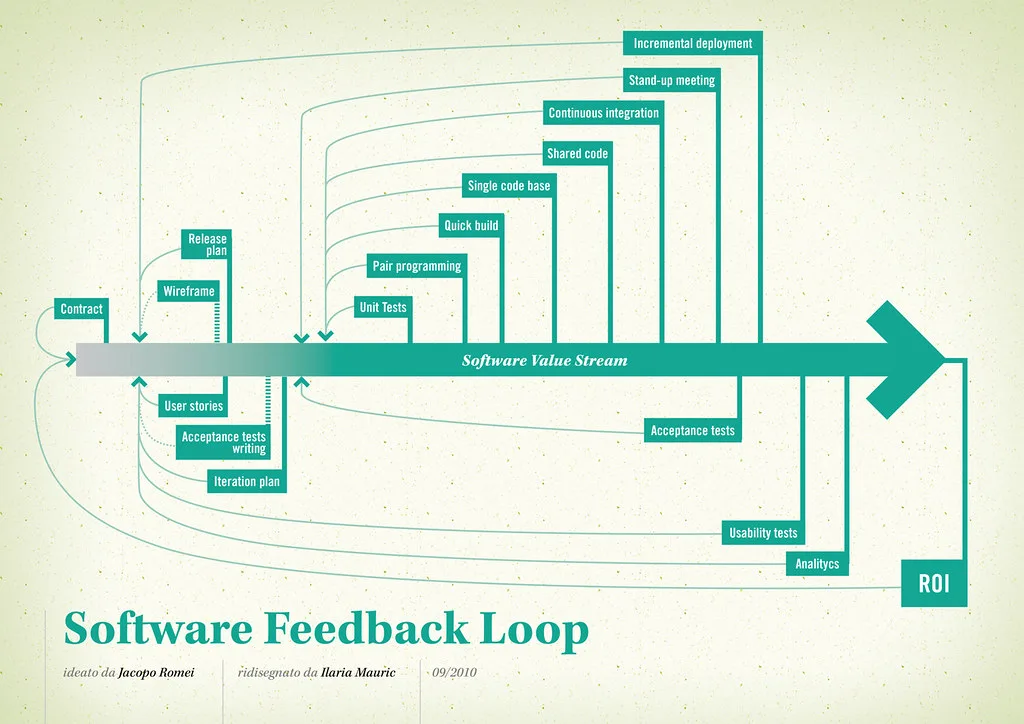
Cover image: Software value feedback loop by jakuza, licensed under BY-SA 2.0 via Openverse.