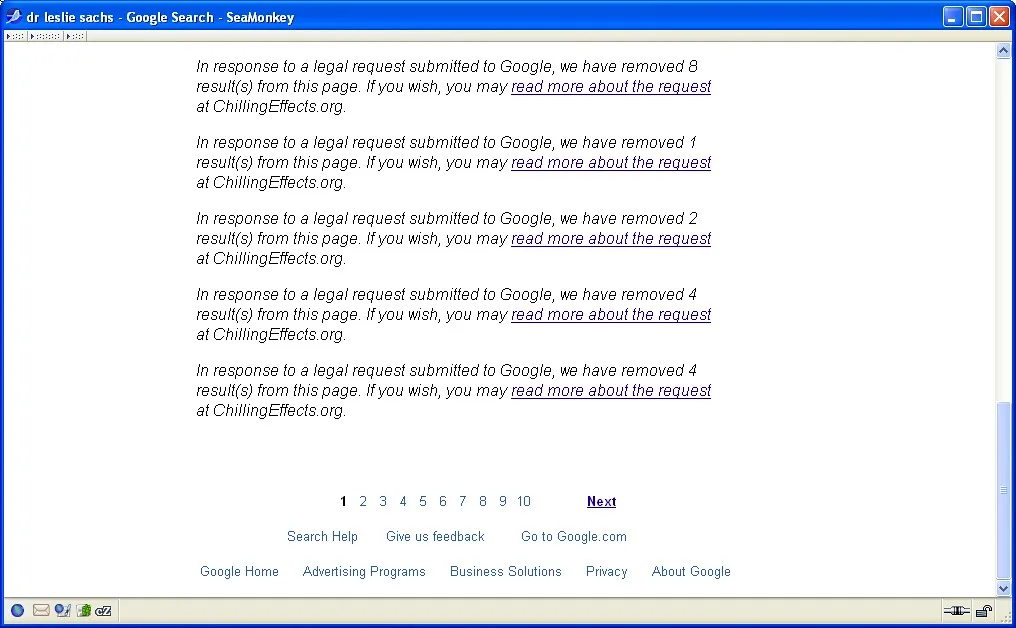
In mid-2025, users of a popular AI chatbot got a nasty surprise: their private conversations, some containing resumes, medical questions, and half-finished business plans, started showing up in Google search results. The cause was a "share" feature that quietly made shared chats crawlable. One click to send a link to a friend, and that same link was fair game for Googlebot. Within weeks, thousands of supposedly private exchanges were indexed and searchable by anyone who knew what to type.
If that makes you uneasy, it should. The problem isn't limited to one vendor. Any tool that generates a public URL for your conversation, code snippet, or transcript can leak it into a search engine. And unlike a data breach, this kind of exposure is often self-inflicted and completely preventable. You clicked the button. The machine did the rest.
This guide walks through exactly how AI chats end up in Google, how to check whether yours already have, and the concrete steps to prevent AI chat leaks going forward, whether you're a solo user, a developer, or someone managing a whole team's tools.
Key Takeaways
- AI chats leak mainly through public share links, not hacking. If a URL is public and crawlable, Google can index it.
- Search
site:operators and Google's Removal Tool are your first-response toolkit for finding and pulling existing exposures.- Disable "public sharing" by default and use expiring or password-protected links when you must share.
- Never paste secrets, PII, or proprietary code into a chat you might later share. Treat every prompt as potentially public.
- For teams, enforce settings centrally and audit which AI tools employees connect to your accounts.
- A
robots.txtblock is not deletion. It prevents future crawling but won't remove already-indexed pages.
How AI Chats Actually End Up in Google Search Results
Search engines don't magically read your private data. They follow links. The moment a chat gets a publicly reachable URL, three things can happen in sequence, and most people only notice after all three are done.
- You generate a share link. You click "Share" to send a conversation to a colleague. The AI platform creates a URL like
chat.example.com/share/8f2a9c. - The link becomes discoverable. You post it in a public Slack, a forum, a support ticket, or a tweet. Or the platform lists shared chats in a public directory. Now a crawler can find it.
- Google indexes it. Googlebot follows the link, reads the page, and adds it to the search index. From then on, keyword searches can surface your conversation.
The subtle part is step two. You might think a link you only sent to one person is private. But if that person forwards it, embeds it, or posts it anywhere crawlable, the link leaks into the open web. Search engines are relentless about following links from any indexed page.
The three ways leaks happen
- Explicit public sharing. The platform offers a "make public" or "discover" toggle, and it's on by default or easy to enable by accident.
- Crawlable share URLs. Even "unlisted" links get indexed if they appear anywhere Googlebot can reach.
- Browser and extension sync. Some extensions or logging tools cache conversations to pages that later get indexed. This overlaps with the risks covered in our guide on how to detect malicious browser extensions.
A Real Worked Example: From One Click to 400 Indexed Pages
Let me show you how fast this scales with a realistic scenario I've seen play out with small teams.
Say a five-person startup uses an AI assistant for customer support drafts. Over three months, they generate roughly 1,200 conversations. To speed up review, one team member enables public sharing and pastes links into a shared Notion page that happens to be set to "anyone with the link can view" and, crucially, indexable.
Here's the cascade:
- Notion page gets linked from a public roadmap. Googlebot finds it.
- Googlebot follows the 340 share links on that page.
- Of those, roughly 400 individual chat pages (some conversations had multiple share URLs) get indexed within two weeks.
- Among them: 12 chats containing customer names and order numbers, and 3 chats with an internal API key someone pasted while debugging.
Before: zero public exposure, everything behind login.
After: 400 indexed pages, a leaked API key, and customer PII searchable by anyone typing the right phrase.
The fix took the team a full week: rotating the leaked key, submitting removal requests for every URL, disabling sharing platform-wide, and rewriting their internal policy. The prevention would have taken about ten minutes. That asymmetry is the whole lesson.
How to Check If Your AI Chats Are Already Indexed
Before you lock things down, find out what's already exposed. Do this in a private browser window so your own logged-in state doesn't skew results.
- Run a site search. In Google, type
site:followed by the sharing domain of your AI tool. For example,site:chat.openai.com/shareor the equivalent for your platform. This shows what Google has indexed under that path. - Search your own identifiers. Try
"your company name" site:sharedomain.comand searches for project code names, product names, or unusual phrases you know you used in prompts. - Check for pasted secrets. Search for fragments of API keys, internal URLs, or email addresses you may have pasted. If any appear, treat it as an active incident.
- Look at Google's cache. If a result appears but the live page is now private, the cached copy may still show content. Note these for removal.
- Repeat on Bing and DuckDuckGo. Google isn't the only index. Bing in particular crawls independently.
If you manage a website alongside your AI usage, a proper crawl audit tool helps you see what search engines can reach across all your properties. A Webmaster Tools Suite style toolkit is useful here for spotting indexable pages you didn't intend to publish.
How to Remove Chats That Are Already in Google
Finding leaks is only half the job. Removing them takes two coordinated moves: kill the source, then request de-indexing.
Step 1: Make the page private or delete it
Go into the AI platform and either delete the shared conversation or switch it from public to private. This is essential. If the page still returns content when Google recrawls, a removal request will only be temporary.
Step 2: Use Google's Removal Tools
- If you own the site, use Google Search Console and the "Removals" tool to submit URLs for temporary removal, then ensure the page returns a 404 or 410, or a
noindextag, so removal becomes permanent. - If you don't own the AI platform's domain, use the public "Refresh Outdated Content" tool. It works when the live page no longer shows the sensitive content but the cache still does.
- For content that exposes personal information, file a request through Google's dedicated personal information removal form.
Step 3: Rotate anything sensitive
If a chat contained credentials, assume they're compromised the moment they were indexed. Rotate API keys, reset passwords, and revoke tokens. Our piece on how often you should really change your passwords in 2026 covers when rotation actually helps versus when it's theater. A leaked-then-indexed credential is squarely in the "rotate now" category.
The Prevention Playbook: Settings, Habits, and Guardrails
Cleanup is reactive. Here's how to stop leaks before they start.
Lock down sharing defaults
- Open your AI tool's settings and find the data controls or sharing section.
- Disable any "make chats public" or "discoverable" toggle.
- Turn off features that add your chats to a public gallery or community feed.
- Where available, set share links to expire or require a password.
Adopt a "public by default" mindset for prompts
The safest habit is to write every prompt as if it might one day be searchable. That means:
- Never paste live API keys, passwords, or access tokens.
- Redact customer names, order IDs, and health or financial details.
- Use placeholders like
[CUSTOMER_NAME]and[API_KEY]instead of real values. - Keep proprietary code out of chats you might share. If you must share code, do it through a controlled tool rather than a public link.
For sharing snippets safely, a self-hosted paste tool with expiring, private links beats a public AI share URL every time. Something like LionPaste lets you control who sees a snippet and for how long, instead of trusting a third party's default settings.
Add a robots.txt block for pages you control
If you self-host any interface that produces conversation URLs, add a crawl directive so search engines skip those paths:
User-agent: *
Disallow: /share/
Disallow: /chat/
Remember: robots.txt prevents future crawling but does not remove pages already indexed, and it won't stop a page from being indexed if other sites link to it. For guaranteed exclusion, use a noindex meta tag or an HTTP header on the pages themselves.
AI Sharing Options Compared: Which Is Safest?
Not all sharing methods carry the same risk. Here's how the common options stack up on the criteria that matter for leak prevention.
| Method | Google-indexable? | Link expiry | Access control | Best for |
|---|---|---|---|---|
| Public AI share link | Yes (high risk) | Rarely | None | Nothing sensitive |
| "Unlisted" AI share link | Yes, if linked anywhere | Sometimes | Weak (knows URL = access) | Low-stakes sharing |
| Screenshot or copy-paste text |