If you have reused a password anywhere in the last decade, you are already in a breach database. That is not hyperbole. The public dump known as "Collection #1" alone contained 773 million email addresses and 21 million unique plaintext passwords, and it was followed by five more collections totaling billions of records. In 2024, the RockYou2024 file surfaced with nearly 10 billion passwords in a single text document. The uncomfortable truth is that the average person is not defending against a clever hacker. They are defending against a searchable spreadsheet.
So when Apple, Google, and Microsoft started pushing passkeys as the death of the password, a lot of us who have spent years babysitting password managers felt a mix of hope and suspicion. Are passkeys actually better, or are they just a shinier lock on the same door? And after high-profile incidents like the LastPass vault theft, can we even trust password managers anymore?
I have used both daily for years, migrated a household off shared passwords, and cleaned up after a small business that got phished. This article breaks down passkeys vs password managers in plain terms: how each actually works, where each one failed in real breaches, a side-by-side comparison, and a concrete migration plan you can start this weekend.
Key Takeaways
- Passkeys beat passwords on phishing. They are bound to the real domain, so a fake login page cannot capture anything reusable.
- Password managers are not obsolete. You still need one for the hundreds of sites that do not yet support passkeys, plus notes, cards, and secure sharing.
- The LastPass breach was about implementation, not the concept. Weak vault-key iterations and stolen backups hurt users, not a flaw in the password-manager idea itself.
- Use both. Passkeys for your highest-value accounts, a strong password manager for everything else, and hardware keys as a backstop.
- Your recovery flow is your real attack surface. Most account takeovers now happen through SMS resets and support-desk social engineering, not cracked hashes.
What Passkeys Actually Are (Without the Marketing)
A passkey is a pair of cryptographic keys generated for a specific website. The public key lives on the site's server. The private key never leaves your device (or your synced keychain). When you log in, the site sends a challenge, your device signs it with the private key, and the site verifies the signature with the public key it already has.
The important part: nothing reusable is ever transmitted. There is no "password" sitting in a database waiting to be dumped. If a site gets breached, attackers walk away with public keys that are useless on their own.
Passkeys are built on the FIDO2/WebAuthn standard, the same technology behind hardware security keys like YubiKey. What changed recently is convenience. Apple, Google, and Microsoft now sync passkeys across your devices through iCloud Keychain, Google Password Manager, and Windows Hello, so you are not locked to a single phone.
Why passkeys kill phishing
A passkey is cryptographically bound to the domain that created it. If you registered a passkey on github.com, your device will refuse to sign a challenge from github-login.com. There is no human judgment involved, so there is nothing to trick. This is the single biggest security upgrade for ordinary users in years, because phishing is how most breaches actually start.
How Password Managers Work and Where They Broke
A password manager stores your credentials in an encrypted vault. The vault is locked with a master password (and ideally a second factor). Good managers use zero-knowledge architecture, meaning the provider cannot decrypt your data because your master password never reaches their servers.
That model is sound. The problem is implementation, and the LastPass incident is the case study everyone points to.
What actually happened at LastPass
In 2022, attackers stole encrypted vault backups from LastPass. The encryption itself was not broken. But two things made those backups dangerous:
- Not everything was encrypted. Website URLs inside vaults were stored in plaintext, giving attackers a map of exactly which high-value accounts each victim used.
- Weak key-strengthening for older accounts. Many users still had vaults protected with only 5,000 PBKDF2 iterations, far below the 600,000 recommended today. That makes offline brute-forcing of weak master passwords realistic.
The lesson is not "password managers are broken." It is "your master password strength and your provider's crypto settings matter enormously." A 20-character random master password with 600,000 iterations is effectively uncrackable offline. A dictionary phrase with 5,000 iterations is a countdown timer.
Passkeys vs Password Managers: The Honest Comparison
These tools are not really competitors. But you still have to decide where to put your trust and effort. Here is how they stack up on the criteria that matter.
| Criteria | Passkeys | Password Manager | Hardware Key |
|---|---|---|---|
| Phishing resistance | Excellent (domain-bound) | Good (autofill won't match fake domains) | Excellent (domain-bound) |
| Site support today | Growing but limited | Universal | Universal for 2FA |
| Breach exposure if site is hacked | None reusable | Password hash could leak | None reusable |
| Recovery risk | Tied to platform account recovery | Tied to master password + 2FA | Lost key = locked out |
| Stores non-login data | No | Yes (cards, notes, files) | No |
| Cost | Free (built into OS) | Free to ~$40/yr | $25–$70 per key |
The takeaway from that table: passkeys and hardware keys are the strongest authentication methods, but a password manager remains the only tool that covers the entire messy reality of your digital life. You need the manager as your foundation and passkeys as the upgrade for accounts that support them.
A Worked Example: Migrating 47 Logins Without Losing Access
Let me make this concrete. Say you have 47 accounts spread across 12 services you actually care about, plus dozens of throwaways. Here is the migration I ran for exactly this situation.
Before
- 47 passwords, 19 of them reused across sites.
- SMS-based two-factor on 8 accounts.
- Master password: a memorable phrase used since 2016.
The step-by-step cleanup
- Run a breach audit first. Enter your email at Have I Been Pwned. In my test case, 6 of 12 services had appeared in past breaches. Prioritize those.
- Strengthen the master password. Generate a 5-word Diceware passphrase (roughly 64 bits of entropy) or a 20-character random string. Confirm your manager uses at least 600,000 PBKDF2 iterations or Argon2id.
- Fix the 19 reused passwords. Replace each with a unique 20-character generated password. Do the 6 breached services first, then the rest. Budget about 3 minutes per account.
- Upgrade 2FA from SMS to app or hardware. SMS codes can be intercepted through SIM swapping. Move to an authenticator app, or better, register a hardware key on your email and financial accounts.
- Enroll passkeys where offered. Google, Microsoft, Apple, GitHub, PayPal, Amazon, and many others now support passkeys. For each, go to security settings and add a passkey. Keep the password as a fallback for now.
- Register a second passkey device. This is the step people skip. Add a passkey on both your phone and a hardware key so a lost phone does not lock you out.
- Document your recovery. Store printed recovery codes offline and confirm the recovery email itself is protected by a passkey or hardware key.
After
- 0 reused passwords, all 20+ characters and unique.
- Passkeys on the 7 services that support them, covering your highest-risk accounts.
- Hardware key + authenticator app instead of SMS on email and banking.
- Total time: about 3 hours over a weekend.
The single most valuable change was killing SMS 2FA on the email account, because that inbox is the recovery hub for everything else. If someone owns your email, they own your life.
The Recovery Problem Nobody Wants to Talk About
Here is the part the vendors gloss over. Passkeys are only as strong as the recovery path behind them. If your passkeys sync through your Apple or Google account, then whoever can reset that account can potentially re-provision access.
The same logic hit password managers in a different way. Support-desk social engineering, where an attacker calls in and talks a human into resetting an account, has become one of the most common attack vectors. Your beautiful cryptography does not matter if the recovery process is a phone call.
Practical defenses:
- Turn on account recovery lockdowns. Apple's Recovery Key and Google's Advanced Protection Program remove the "call support to reset" escape hatch.
- Use a hardware key as the recovery anchor on your primary email and platform account.
- Never rely on SMS as a recovery method for anything financial or identity-related.
If you want a deeper mental model for how attackers chain small footholds into full access, our guide on auditing OAuth app grants before they leak your data is worth reading. Passkeys protect your login, but a rogue connected app with broad permissions can bypass the login entirely.
Where Business and Website Owners Should Focus
If you run a website or manage a team, the calculus shifts. You are not just protecting your own logins. You are protecting an admin panel that, if compromised, becomes a launchpad for attacks on your visitors.
Passkeys and a solid password manager handle authentication, but they do nothing about the server-side attack surface. This is where the failures I have cleaned up usually live: a stolen WordPress admin cookie, a brute-forced login endpoint, an outdated plugin.
- Lock down the login endpoint. Rate-limit attempts and block hostile IP ranges. For WordPress specifically
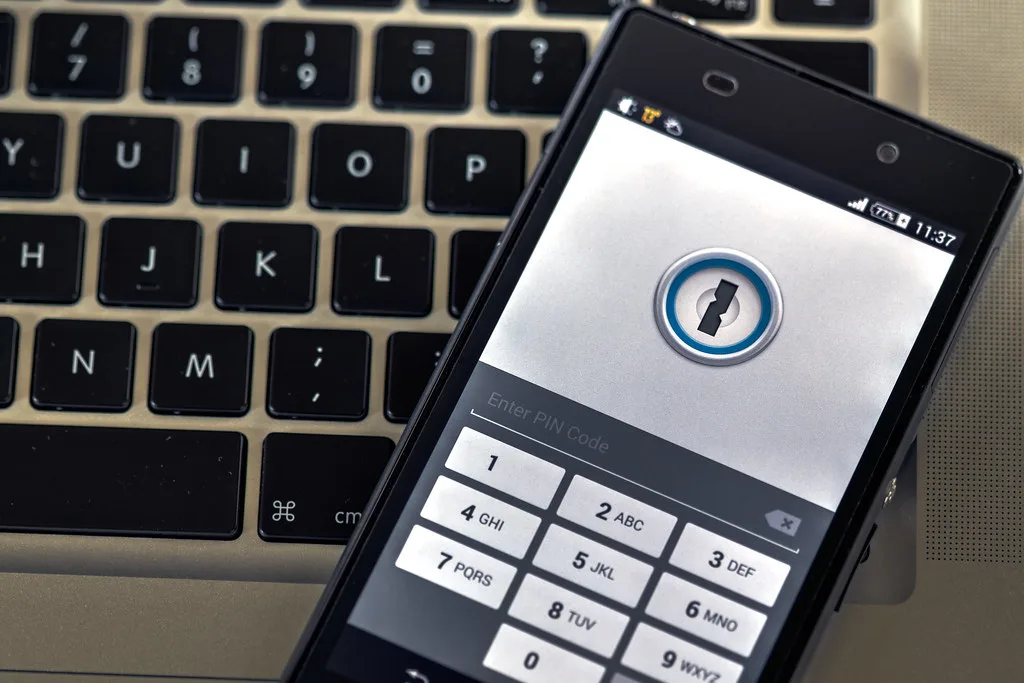
Cover image: Phone security by Ervins Strauhmanis, licensed under BY 2.0 via Openverse.