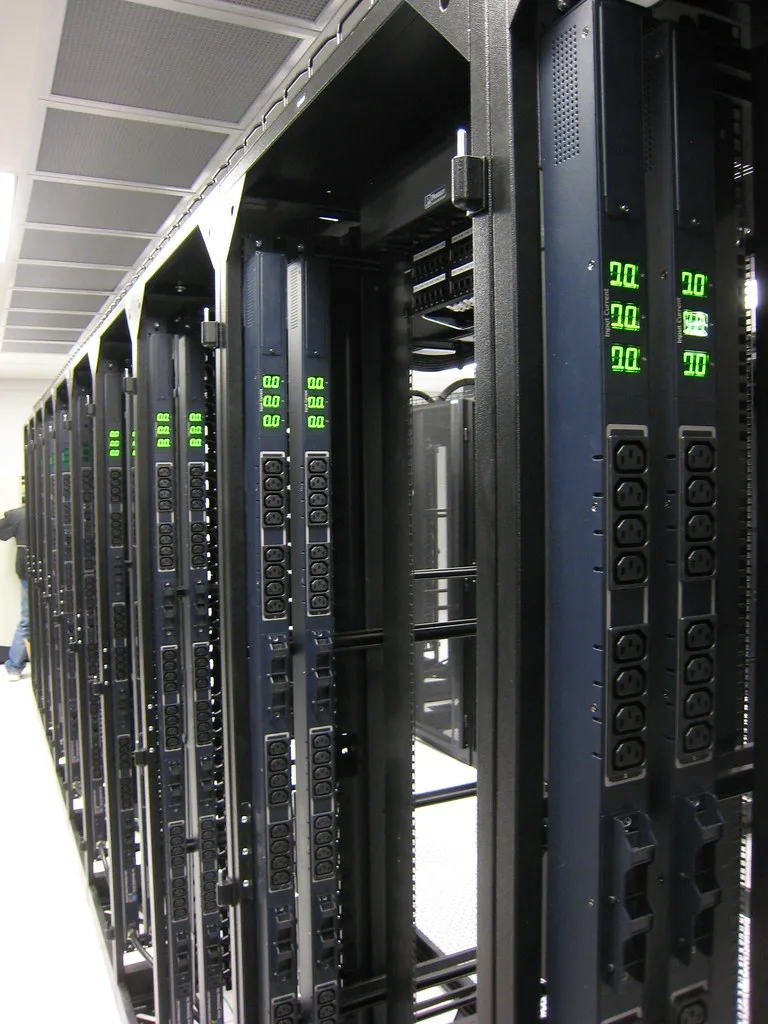
Ask ten Linux admins how they back up their systems and you'll get eleven answers, half of which involve a cron job someone wrote in 2014 and never touched again. That's the dirty secret of Linux backups: the tooling is excellent, mature, and completely fragmented. There's no single blessed answer, which means the choice falls on you.
Here's a number that should focus the mind. According to multiple industry surveys, somewhere between 30% and 40% of organizations that suffer a serious data loss event never fully recover, and a meaningful chunk of those had backups that simply didn't restore. A backup you've never tested is not a backup. It's a hope. And hope has a nasty habit of failing on the exact day you need it.
In this guide I'll walk through six of the most credible backup tools for Linux, compare them head to head on the criteria that actually matter, and give you a repeatable process for choosing and testing one. I use several of these tools across personal servers and client infrastructure, so this is field experience, not a spec-sheet regurgitation.
Key Takeaways
- There is no universal best tool. Match the tool to your recovery goal: file recovery, full bare-metal restore, or off-site disaster recovery.
- Restic and BorgBackup are the two best general-purpose choices for most people in 2024, thanks to deduplication and encryption.
- The 3-2-1 rule still holds: 3 copies, 2 media types, 1 off-site. Every tool below should be configured with that in mind.
- An untested backup is worthless. Schedule a real restore drill at least quarterly.
- Encryption at rest is non-negotiable if any copy leaves your premises.
- Automate the backup, but also automate a verification step. Silent corruption is the enemy.
What to Look For in a Linux Backup Tool
Before comparing individual tools, get clear on the criteria. When I evaluate a backup solution, I score it against six factors. You should weight these differently depending on whether you're protecting a single laptop or a rack of database servers.
- Deduplication. Does the tool store only the changed blocks between snapshots? This is the difference between 500 GB and 50 TB of backup storage over a year.
- Encryption. Client-side, before-it-leaves-the-machine encryption is what you want. If the tool encrypts only in transit, that's not enough for cloud storage.
- Restore granularity. Can you pull back a single file, or is it all-or-nothing? Both have their place.
- Backend flexibility. Local disk, SSH, S3, Backblaze B2, SFTP. The more destinations, the easier the 3-2-1 rule becomes.
- Verification and integrity checks. Can it detect and heal bit rot?
- Operational overhead. How much time will you spend babysitting it? A powerful tool you configure wrong is worse than a simple one you configure right.
Keep these in your head as we go. I'll refer back to them constantly.
The 6 Backup Tools Compared
Let's get into the actual candidates. I've limited this to tools I'd genuinely deploy in 2024, which rules out several once-popular options that have stagnated.
1. Restic
Restic is my default recommendation for the majority of Linux users. It's a single Go binary, which means no dependency hell. It does client-side encryption by default, deduplicates at the block level, and speaks a dozen backends natively including S3, Backblaze B2, SFTP, and REST servers.
The command experience is clean. A backup is literally restic backup /home /etc. Restore is restic restore latest --target /tmp/recovery. What sells me is the integrity model: restic check --read-data will re-read and verify every chunk in the repository, catching silent corruption before it matters.
Best for: anyone wanting encrypted, deduplicated, cloud-friendly backups without operational drama.
2. BorgBackup (Borg)
Borg is Restic's closest rival and, for many, the superior choice for local and SSH-based backups. Its deduplication is exceptional, often edging out Restic on ratio, and its compression options are richer. The tradeoff: Borg does not natively speak object storage like S3. You typically pair it with rclone or a Borg-aware service to reach the cloud.
Borg's append-only mode is a standout security feature. Even if an attacker compromises your server, they can't delete or corrupt existing backups on a properly configured append-only repository. That's a genuine ransomware defense.
Best for: self-hosted setups, SSH-based off-site backups, and users who want maximum dedup efficiency.
3. rsync (and rsnapshot)
The venerable rsync isn't a backup tool per se, it's a file-transfer tool that a lot of people build backups around. Wrapped in rsnapshot, it creates rotating snapshots using hard links, so unchanged files don't consume extra space.
The advantage is transparency. Your backups are plain files in plain directories. You can browse them with ls and restore with cp. No repository format, no special client needed. The disadvantage: no built-in encryption, weaker deduplication (file-level, not block-level), and you own all the glue.
Best for: simple local mirrors, people who value transparency over features, and quick ad-hoc syncs.
4. Timeshift
Timeshift is the tool most desktop Linux users actually encounter, because it's bundled with distributions like Linux Mint. It's designed to snapshot the system, not your personal data, and it shines when paired with a Btrfs filesystem, taking near-instant copy-on-write snapshots.
Think of Timeshift as a Linux equivalent of System Restore. It's brilliant for rolling back a bad update. It is not a substitute for a proper data backup, and it does not go off-site.
Best for: desktop users who want easy system rollback, especially on Btrfs.
5. Duplicity
Duplicity was the go-to for encrypted cloud backups before Restic and Borg matured. It uses GPG encryption and the librsync delta algorithm, and it supports a wide array of backends. It's stable and well understood.
Its weakness is the full-plus-incremental chain model. To restore, you need the last full backup plus every incremental since. If one link in that chain is damaged, you can lose everything after it. That fragility is why I've largely migrated clients off Duplicity to Restic.
Best for: existing Duplicity deployments and GPG-centric workflows.
6. Bacula / Bareos
When you graduate to backing up dozens or hundreds of machines, you enter enterprise territory. Bacula and its community fork Bareos are client-server backup systems with central scheduling, catalog databases, tape library support, and role-based management.
The power is real, but so is the complexity. Standing up Bareos means configuring a director, storage daemons, file daemons, and a catalog database. This is not a weekend job for a single server.
Best for: organizations backing up fleets of machines with central policy and reporting requirements.
Side-by-Side Comparison
Here's how the six stack up against the criteria that matter most. Ratings are my practical assessment from real deployments.
| Tool | Dedup | Client Encryption | Cloud Backends | Ease of Use | Best Scale |
|---|---|---|---|---|---|
| Restic | Block-level | Yes, default | Excellent (S3, B2, SFTP) | High | 1 to ~50 machines |
| BorgBackup | Block-level (best) | Yes, default | Via rclone | Medium-high | 1 to ~30 machines |
| rsnapshot | File-level (hard links) | No (add externally) | Manual | Medium | 1 to a few |
| Timeshift | Btrfs CoW | No | None | Very high | Single desktop |
| Duplicity | Delta (librsync) | Yes (GPG) | Good | Medium | 1 to a few |
| Bareos | Optional | Yes | Via plugins | Low | Fleets (50+) |
If you take one thing from this table: for a typical Linux server or small fleet, the decision is almost always Restic vs Borg. Pick Restic if you're going straight to cloud object storage. Pick Borg if you're backing up over SSH to a box you control and want the strongest dedup and append-only protection.
A Worked Example: Backing Up a 200 GB Web Server
Abstract advice is easy to nod along to and hard to act on, so let's run real numbers. Say you have a Linux web server with 200 GB of data: application files, a MySQL database dump, user uploads, and config. It changes modestly, maybe 2 GB of churn per day. You want daily backups, kept for 90 days, with one copy off-site.
Without deduplication: 90 daily full copies of 200 GB would be 18 TB. Absurd. You'd never pay for that.
With Restic's block-level dedup: the first backup stores roughly 200 GB (or less, with compression). Each subsequent day stores only the changed blocks, so around 2 GB per day. Over 90 days that's approximately 200 GB + (89 × 2 GB) = ~378 GB. On Backblaze B2 at roughly $6 per TB per month, that's under $3 a month for 90 days of daily restore points. That is the entire argument for deduplication in one number.
Here's the actual setup, start to finish:
- Install Restic. On Debian/Ubuntu:
sudo apt install restic, or grab the latest static binary from the project's releases. - Create a repository password file and lock it down:
echoCover image: Awaiting servers by bugeaters, licensed under BY 2.0 via Openverse.