Every WordPress site runs on borrowed trust. You install a plugin, grant it database access, file write permissions, and often the ability to make outbound HTTP requests, then you forget it exists until it breaks or, worse, until it gets you breached. The uncomfortable truth is that plugins are the single largest attack surface on the platform that powers roughly 43% of the web.
Here is the stat that should keep you up at night: security firm Patchstack reported that in a recent year, over 96% of the WordPress vulnerabilities they logged came from plugins, not the WordPress core. Themes accounted for another sliver. Core itself is remarkably hardened. The weak link is the code you bolt on top of it, often maintained by a single developer who may or may not respond when a researcher emails them about a SQL injection flaw.
This article is about getting ahead of that problem. Not reacting after a zero-day is trending on X, but building a plugin environment that survives one. You'll learn how to audit what you already have, how to reduce your attack surface without breaking your site, how to layer defenses so a single vulnerable plugin can't hand over the whole database, and how to respond in the first 60 minutes when a new CVE drops. Real steps, real numbers, no hand-waving.
Key Takeaways
- Inventory first: You can't harden plugins you don't know you have. Most breached sites had 3+ plugins nobody remembered installing.
- Delete, don't just deactivate: A deactivated plugin's PHP files are still on disk and can still be exploited by direct file access.
- Layer defenses: A WAF, file integrity monitoring, and least-privilege database users mean one vulnerable plugin isn't game over.
- Track CVEs proactively: Subscribe to a vulnerability feed so you learn about zero-days before attackers finish scanning for them.
- Have a 60-minute playbook: Know exactly what you'll do the moment a plugin you use hits the news.
Why WordPress Plugin Security Is the Attack Surface That Matters Most
When people say "WordPress got hacked," they almost never mean WordPress core. They mean a plugin. The core team runs a tight security process with automatic background updates and a serious bug bounty program. The plugin ecosystem is the opposite: tens of thousands of free and premium plugins, wildly varying code quality, and no enforced review standard beyond an initial submission check.
The math works against you. Say you run a modest business site with 18 active plugins. If each plugin has even a 5% annual chance of shipping a serious vulnerability, the probability that at least one of them does over a year is roughly 60%. Add more plugins and that number climbs fast. Attack surface is cumulative, and most site owners never do the subtraction.
Attackers don't hand-pick your site either. They run automated scanners against millions of domains, fingerprinting plugin versions from readme files and asset paths. When a new vulnerability is disclosed, the gap between public disclosure and mass exploitation is often measured in hours. That's the window you're trying to close.
Step One: Build a Complete Plugin Inventory
You cannot secure what you cannot see. Before touching a firewall or a hardening plugin, get an accurate picture of what's actually installed and running.
- List every installed plugin. In the dashboard, go to
Plugins > Installed Plugins. Note the name, version, and whether it's active. Export or screenshot the full list. - Check the file system directly. SSH in and run
ls -la wp-content/plugins/. Compare it to the dashboard list. If you find directories that don't appear in the admin, that's a red flag: attackers plant backdoors as fake plugin folders. - Record the source of each plugin. WordPress.org repo, a premium vendor, or a "nulled" download from a sketchy forum? Anything from an unofficial source should be treated as compromised until proven otherwise.
- Note the last update date. A plugin not updated in over 12 months is a liability. The WordPress.org page shows "Last updated" and "Tested up to" fields for a reason.
- Map what each plugin actually does. If you can't explain in one sentence why a plugin is on your site, it's a candidate for removal.
A typical audit surprises people. I've reviewed sites where a "temporary" migration plugin had been active for two years, and a form builder abandoned by its developer since 2019 was still handling contact submissions. Both were removed in the first ten minutes.
The "Delete vs Deactivate" Trap
Deactivating a plugin removes it from the execution path for normal page loads, but the files remain on disk. Many plugin vulnerabilities are exploitable by directly requesting a file, for example wp-content/plugins/vulnerable-plugin/some-endpoint.php, which bypasses WordPress entirely. Deactivation does nothing to stop that. If you're not using it, delete it.
Step Two: Reduce Your Attack Surface Aggressively
Every plugin you remove is a vulnerability you'll never have to patch. This is the highest-leverage security work you can do, and it costs nothing.
- Consolidate overlapping plugins. Running three SEO plugins or two caching plugins isn't just wasteful, it triples your exposure for one job.
- Replace fragile plugins with server-level solutions. Instead of a plugin that adds security headers, set them in your web server config or a hardened protection suite.
- Kill abandoned plugins. If a plugin hasn't been updated in over a year, find a maintained alternative or drop the feature entirely.
- Question every "nice to have." Sliders, social share widgets, and analytics wrappers often carry more risk than value.
Once your list is lean, the plugins that remain deserve real defenses. Browsing a curated WordPress plugins collection where security is a listed criterion beats grabbing the first result off a generic search. On the LionScripts software marketplace, tools are vetted before they're listed, which saves you the "is this developer even alive" investigation.
Step Three: Layer Defenses So One Plugin Can't Sink the Ship
Hardening isn't a single switch. It's overlapping layers where each one covers the gaps in the others. The goal is defense in depth: even if a plugin has an unpatched flaw, the attacker still has to defeat your firewall, then your file permissions, then your database user restrictions, then your integrity monitor.
1. Put a Web Application Firewall in Front
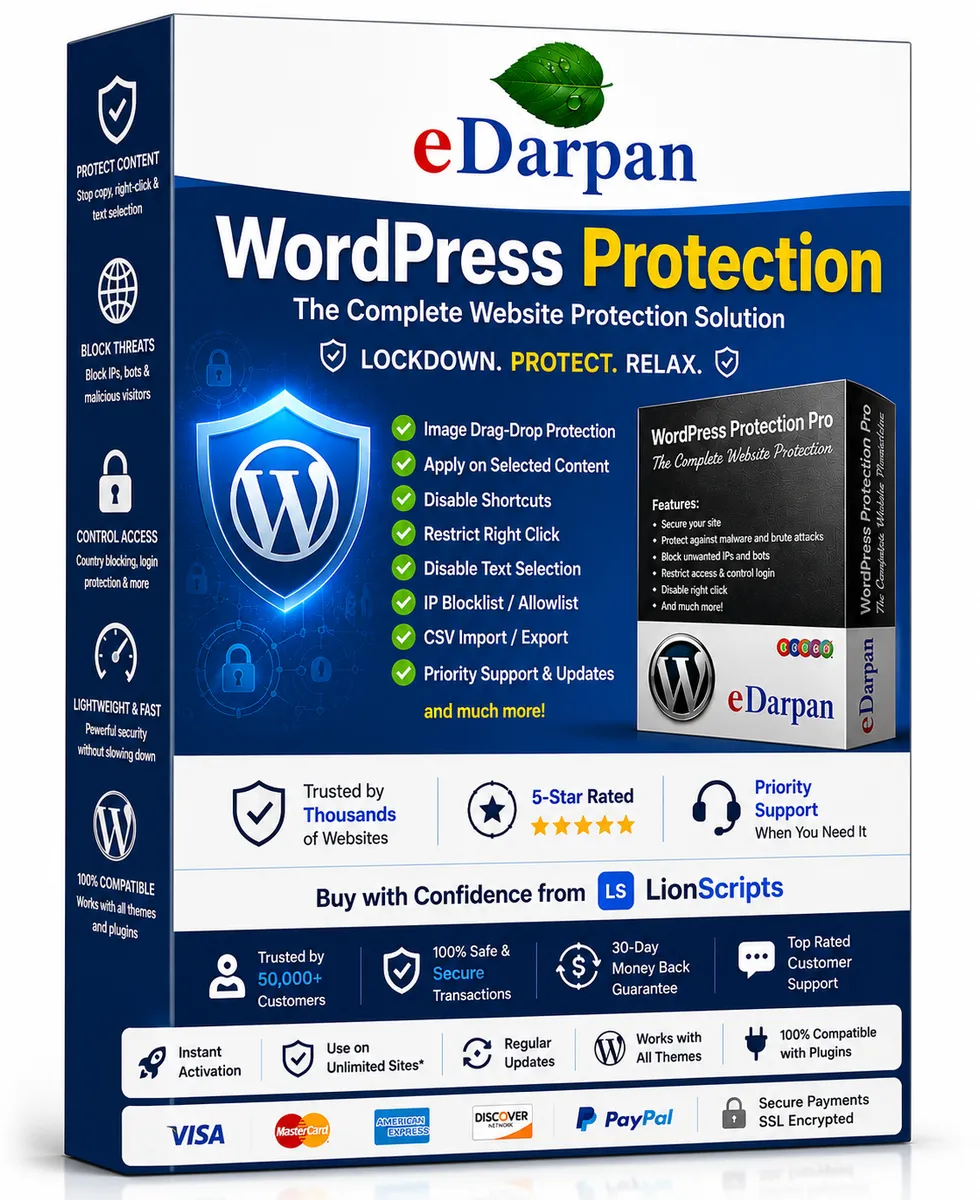
A WAF inspects requests before they reach vulnerable plugin code. Good rulesets block common injection patterns, malicious file uploads, and requests targeting known-vulnerable endpoints, sometimes hours before the plugin author ships a patch. A comprehensive option like eDarpan WordPress Protection bundles firewall rules with login hardening and malware scanning, which covers several layers at once.
2. Block Malicious Traffic at the IP Level
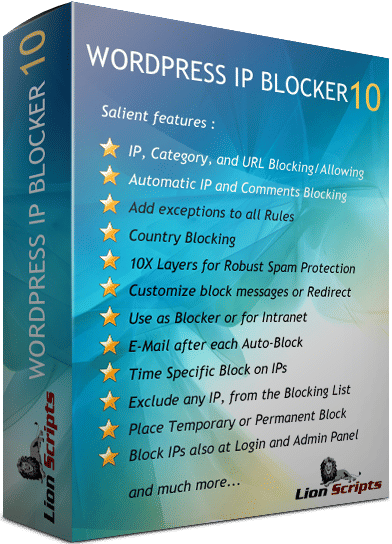
Automated exploit scanners come from identifiable ranges and repeat-offender IPs. Blocking known-bad sources cuts the noise dramatically and stops brute-force and scanning attempts before they even hit your application logic. A dedicated tool like WordPress IP Blocker Pro lets you block by IP, range, or country, which is invaluable when a specific botnet starts hammering a freshly disclosed vulnerability.
3. Enforce Least-Privilege Database Access
By default, WordPress connects to MySQL with a user that can do everything: create tables, drop tables, read every row. If a plugin has a SQL injection flaw, that flaw inherits those full privileges. For most running sites, the database user only needs SELECT, INSERT, UPDATE, and DELETE. Restrict DROP, ALTER, and GRANT to a separate admin user you only use during updates.
4. Lock Down File Permissions
Set directories to 755 and files to 644. Make wp-config.php 600. Critically, disable PHP execution inside wp-content/uploads/. A huge share of plugin exploits end with an attacker uploading a PHP shell into the uploads folder; if the server refuses to execute PHP there, the shell is inert.
5. Add File Integrity Monitoring
If a plugin file changes and you didn't change it, something is wrong. Integrity monitoring alerts you the moment a file is modified or added, which is often your earliest signal of a successful breach. A hardening suite such as SiteGuard Pro can watch for unexpected file changes and flag them before the damage spreads.
WAF vs IP Blocker vs Hardening Plugin: What Does What?
People conflate these tools, then wonder why they got hit anyway. They solve different problems. Here's how the common categories compare on the criteria that matter.
| Capability | Web App Firewall | IP Blocker | Hardening / Integrity Suite | Manual Server Config |
|---|---|---|---|---|
| Blocks exploit payloads | Yes | Partial | Partial | No |
| Stops brute-force / scanners | Yes | Yes | Yes | Partial |
| Detects post-breach changes | No | No | Yes | No |
| Protects if plugin is unpatched | Yes | Partial | Partial | No |
| Requires ongoing tuning | Some | Low | Low | High |
| Setup difficulty | Low | Low | Low | High |
The takeaway: no single tool covers everything. A WAF plus IP blocking plus integrity monitoring gives you overlapping coverage, and each layer buys you time when the others fail.
Step Four: Track Vulnerabilities Before They Become Zero-Days
The best time to learn about a plugin vulnerability is before attackers finish scan
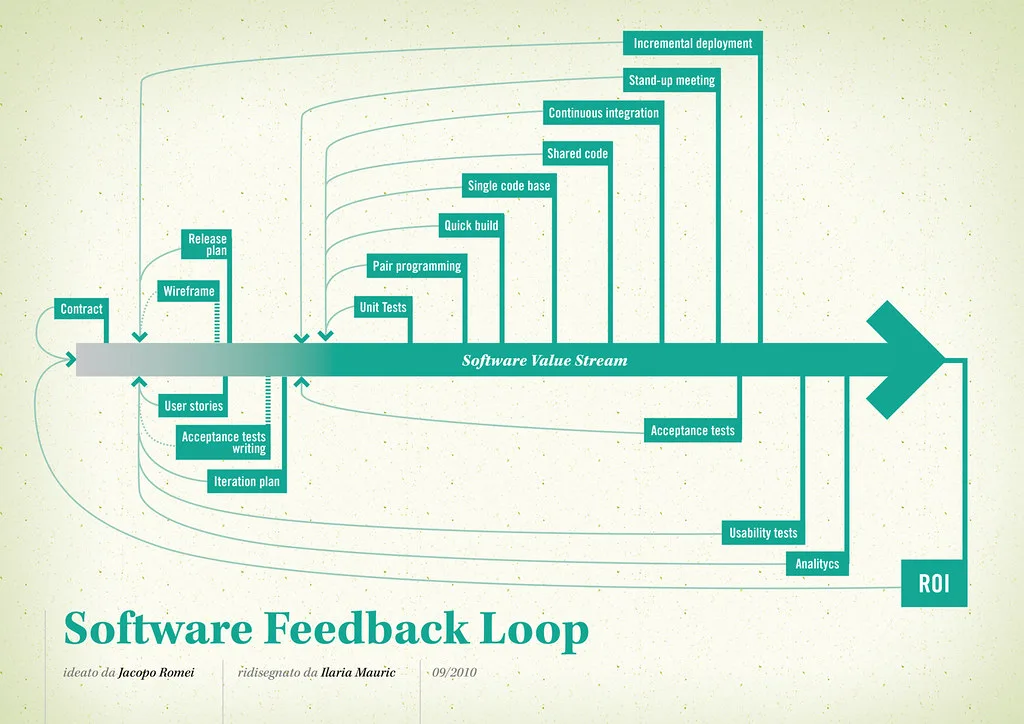
Cover image: Software value feedback loop by jakuza, licensed under BY-SA 2.0 via Openverse.