Somewhere in the last year, a lot of developers quietly stopped writing code and started reading it. The job did not vanish. It changed shape. A growing share of the working day now goes to checking what an AI assistant produced, deciding whether it is correct, catching the subtle errors it introduced, and merging only what holds up. The headline figure, that developers spend around 80% of their week reviewing AI-generated code, is a rough way of describing a pattern many teams report: the bottleneck moved from typing to verification.
That shift creates a specific problem. Reviewing code is harder than writing it in one important way. When you write, you hold the intent in your head. When you review, you have to reconstruct intent from someone else's output, and AI output is particularly tricky because it reads fluently. It looks confident, it names variables sensibly, and it often passes a casual glance. The bugs hide in the places a tired reviewer skims: an off-by-one in a pagination loop, a permission check that runs after the database write, a dependency that was invented outright.
This article lays out a practical AI code review workflow you can actually run on a Tuesday afternoon. We will cover what the workflow is, why ad hoc review breaks down, a step-by-step process with a worked example, a comparison of review tooling options, the security checks that matter most, and how to keep the process from eating your week. You will leave with a checklist you can adapt, not a philosophy to ponder.
Key Takeaways
- AI-generated code needs a different review posture: assume it is plausible but unverified until proven otherwise.
- Split review into four passes: intent, correctness, security, and maintainability. Do them in order, not all at once.
- Automate the mechanical checks (linting, type checking, secret scanning, tests) so human attention goes to logic and risk.
- Keep AI-generated changes small. A 40-line diff is reviewable; a 900-line diff is mostly rubber-stamped.
- Track review time and defect escape rate. If review takes longer than writing would have, your prompts or your diff sizes are the problem.
- Never let the same unreviewed model output both write and approve a change.
What Is an AI Code Review Workflow?
An AI code review workflow is a repeatable process for evaluating code produced or substantially assisted by AI tools before it is merged, deployed, or shipped to users. It combines automated checks, a structured human review, and clear rules about what the AI is allowed to change.
Good workflows share a few traits:
- They are explicit about the order of checks, so reviewers do not jump between concerns.
- They route mechanical problems to tools and reserve human judgment for logic, intent, and risk.
- They limit the size and scope of AI-generated changes.
- They leave an audit trail showing what was generated, what was changed by a human, and who approved it.
A workflow is not the same as a tool. You can run a sound workflow with nothing but your existing CI pipeline and a disciplined reviewer. Tools make it faster and more consistent, but the discipline comes first.
Why Ad Hoc Review Breaks Down With AI Code
Most teams start by pasting AI output into a file, running it once, and eyeballing it. That works for a function or two. It fails at scale for three reasons.
The fluency trap
Human-written code usually signals its uncertainty. A developer leaves a TODO, a strange variable name, a commented-out branch. AI output rarely does. It is uniformly tidy, which lowers the reviewer's guard. Studies of code review in general show that defect detection drops sharply as review speed and review length increase, and AI makes it easy to produce long, tidy changes quickly.
The hallucinated dependency
Models sometimes call functions that do not exist in the library version you use, import packages that were never published under that name, or reference configuration keys from a different framework. Typecheckers and a clean install catch these in seconds. A reviewer reading by eye often does not.
The diff that is too big to think about
Because generating code is cheap, people generate and accept more of it. A 900-line AI-authored pull request will be approved by most teams with a skim. Research on review effectiveness consistently finds that defect detection falls off as change size grows, and this effect is stronger when the author is a model whose mistakes are harder to predict.
The Four-Pass Review Process
The core of the workflow is to review in four distinct passes. Each pass asks one question. Doing them in sequence keeps your attention focused and makes it obvious when a change should be sent back before you spend time on the rest.
- Intent pass. Does this change do what the ticket or spec asked for, and nothing more? Reject early if the AI added features, refactored unrelated files, or changed public interfaces without being asked.
- Correctness pass. Trace the logic on paper for the main path and at least two edge cases: empty input, the maximum value, a concurrent call, a failed network request.
- Security pass. Check authentication, authorization, input validation, secret handling, and every place untrusted data reaches a query, a shell command, a file path, or an HTML template.
- Maintainability pass. Could a teammate change this in six months without asking you? Look for duplicated logic, unclear naming, missing tests, and comments that describe what the code used to do.
Why this order matters
Intent comes first because there is no point checking the correctness of code that should not exist. Correctness precedes security because a security review of broken logic wastes time. Maintainability comes last because it is the least costly to fix later and the easiest to defer. Teams that reverse the order tend to spend their best attention on style comments while a broken permission check sails through.
A Worked Example: Reviewing a 240-Line AI Change
Consider a realistic scenario. A developer asks an AI assistant to add CSV export to an internal reporting endpoint. The assistant returns a 240-line diff touching four files. Here is how a disciplined reviewer handles it.
Step 1: Shrink the diff before reading it
- Check the diff stats. Four files and 240 lines is borderline. Ask the author to split the change: one PR for the export function and its tests, one for the route wiring.
- Revert any changes outside the stated scope. In this case the assistant also reformatted an unrelated
utils/date.pyfile. Revert it and note the reason. - Result: the reviewable change drops from 240 lines to 96 lines across two PRs.
Step 2: Run the automated gate
- Run the linter and typechecker. Expect zero errors. If the AI invented a function, this is where it surfaces.
- Run the existing test suite plus any new tests. Require at least one new test that exercises the export with an empty result set and one with special characters (commas, quotes, newlines) in a field.
- Run a secret scanner on the diff. AI tools occasionally paste example keys from documentation.
- Only proceed to human review when the gate is green.
Step 3: Walk the four passes
- Intent: The ticket asked for CSV export of the filtered report. The change also silently added a row limit of 10,000. That was not requested. Send it back or get explicit approval.
- Correctness: The generator wrote header and rows correctly for simple data, but built CSV rows by joining strings with commas. A field containing a comma would corrupt the file. The fix is to use the standard CSV library rather than hand-rolled joins.
- Security: The export endpoint checked that the user was logged in but not that the report belonged to their organization. Any authenticated user could export any report by changing the ID. This is the kind of bug that a model writes confidently and a skimmer approves.
- Maintainability: The function was 60 lines with nested conditionals. Extracting a row-formatting helper made it testable.
Before and after
Before the workflow, this change would likely have merged after a 10-minute skim, shipping a cross-tenant data exposure. With the workflow, the reviewer caught it in the security pass after roughly 35 minutes of focused work across two PRs, and the authorization check was added with a test that confirms a user from org A gets a 403 when requesting org B's report.
Comparing Review Tooling Options
You do not need a specialized product to run this workflow, but the right tooling removes the mechanical load. The table below compares five common approaches on criteria that matter when AI volume is high.
| Option | Setup effort | Catches hallucinated APIs | Secret and security scanning | Works with any AI tool | Cost profile |
|---|---|---|---|---|---|
| Native CI (linter, typecheck, tests) | Low | Yes, via typecheck | Only if you add a scanner | Yes | Usually free or low |
| Dedicated secret scanner in pre-commit | Low | No | Strong for secrets | Yes | Free tiers common |
| AI-based PR review bot | Medium | Partial | Partial | Usually yes | Per-seat or per-PR |
| SAST platform (static security analysis) | High | No | Strong for code patterns | Yes | Often enterprise pricing |
| Manual checklist only | None | No | No | Yes | Free, but expensive in reviewer time |
The honest takeaway is that no single row is sufficient. The typecheck and test gate catch the most embarrassing AI errors cheaply. A secret scanner closes a gap that is easy to miss. A SAST platform earns its cost once you have enough volume that patterns like the cross-tenant bug recur. A manual checklist is never optional, because tools do not understand your business rules.
If you are evaluating utilities that touch your code or your team's accounts, read their permission requests carefully. Our guide to browser extension permissions and which ones should worry you applies the same skepticism to the developer tools you install. For developers who work in Windows environments and want to script filesystem tasks in their review tooling, Windows Symlink Creator Pro is one example of a focused utility in that space, though you should always verify any tool against your own security policy before adding it to a pipeline.
Security Checks That Matter Most in AI-Generated Code
Security deserves its own section because
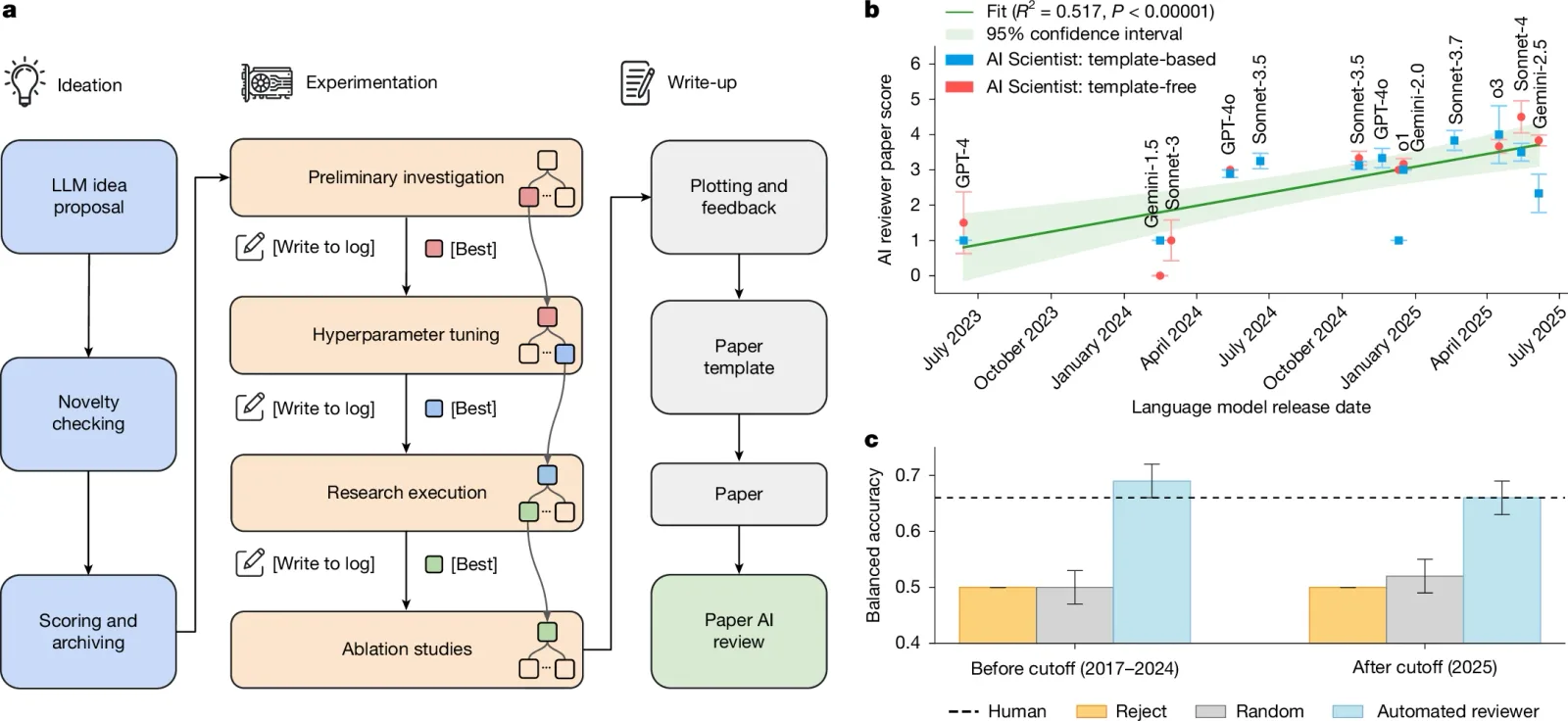
Cover image: The AI Scientist workflow by Authors of the study: Chris Lu, Cong Lu, Robert Tjarko Lange, Yutaro Yamada, Shengran Hu, Jakob Foerster, David Ha & Jeff Clune, licensed under BY 4.0 via Openverse.