Authentication bypass is the vulnerability class that keeps WordPress security engineers up at night, and for good reason. When a plugin lets an unauthenticated visitor act as an administrator, every other layer of your security posture collapses at once. It does not matter how strong your passwords are, whether you use passkeys, or how tight your firewall rules are if a single REST endpoint trusts a request it should have rejected.
The numbers back up the fear. In a typical year, the WordPress plugin ecosystem produces thousands of disclosed CVEs, and authentication and authorization flaws consistently land in the top three most severe categories. The 2023 Essential Addons for Elementor privilege escalation bug affected over a million sites. The 2024 LiteSpeed Cache auth bypass hit more than five million. These are not obscure abandoned plugins. They are tools that professionals install without a second thought.
This guide walks you through a practical WordPress plugin auth bypass audit that you can run yourself, whether you are a developer reviewing your own code, an agency vetting a plugin before shipping it to a client, or a site owner trying to decide if that clever new plugin is worth the risk. You will learn where these bugs hide, how to test for them safely, and how to build a repeatable checklist so you never have to trust your gut alone.
Key Takeaways
- Auth bypass almost always lives in
admin-ajax.phphandlers, REST API routes, and shortcode callbacks that skip capability checks.- The two most common root causes are missing
current_user_can()checks and broken or absent nonce verification.- Grep-driven static analysis finds 80% of issues in minutes. Reserve dynamic testing for the endpoints that grep flags.
- Always test against a throwaway staging site with a low-privilege subscriber account, never production.
- A plugin's update cadence and disclosure history predict future safety better than its download count.
- Layered runtime protection catches the bugs you miss, but it is a safety net, not a substitute for auditing.
What Auth Bypass Actually Means in WordPress
Authentication bypass is when an attacker performs an action, or reads data, that should require them to be logged in as a specific user or role. In WordPress the boundary is usually one of three things: being logged in at all, having a particular capability (like manage_options), or proving a request came from a legitimate form via a nonce.
There is a subtle but important split here that people conflate:
- Authentication bypass: an unauthenticated user reaches something meant for logged-in users. Example: a password reset endpoint that accepts any user ID.
- Authorization bypass / privilege escalation: a low-privilege user (subscriber, customer) performs an admin-only action. Example: a subscriber updating
wp_optionsthrough an AJAX handler.
Both are catastrophic, and the audit process for both is nearly identical. Throughout this article I use "auth bypass" to cover the whole family. If you want to go deeper on the closely related problem of plugins exposing data to low-privilege users, our companion piece on how to check if a WordPress plugin leaks data to subscribers pairs perfectly with this workflow.
Where Auth Bypass Bugs Hide
You do not audit a 40,000-line plugin line by line. You go straight to the four places these bugs cluster. In my experience reviewing dozens of plugins, well over 90% of real auth issues appear in one of these entry points.
1. admin-ajax.php handlers
WordPress registers AJAX actions with two hooks: wp_ajax_{action} (logged-in users) and wp_ajax_nopriv_{action} (everyone, including anonymous visitors). The classic mistake is registering a sensitive action under nopriv, or registering it correctly but forgetting to check what the logged-in user is actually allowed to do.
2. REST API routes
Every route registered with register_rest_route() takes a permission_callback. When developers set it to '__return_true' or omit it entirely, the endpoint is wide open. This is the single most common modern auth bypass pattern, and it is trivial to grep for.
3. Shortcodes and template tags that write data
Shortcodes render on public pages. If a shortcode processes $_GET or $_POST and performs a database write or a user action, an anonymous visitor can trigger it just by loading a page.
4. admin_init and init callbacks
Code hooked to admin_init looks safe because "admin" is in the name, but admin_init fires on admin-ajax.php and admin-post.php requests too, which anonymous users can reach. Any state-changing code here needs its own capability and nonce checks.
The Static Analysis Pass: Grep First, Read Later
Before you spin up any test environment, do a static pass on the plugin source. This is fast, safe, and catches most problems. Download the plugin to a local folder and open a terminal in it.
Start by inventorying every entry point:
- Find all AJAX registrations:
grep -rn "wp_ajax" .
Pay special attention to any line containingwp_ajax_nopriv_. Each one is a public endpoint. - Find all REST routes:
grep -rn "register_rest_route" .
For each result, look at thepermission_callbackargument on the following lines. Flag anything set to'__return_true'or missing. - Find capability checks so you can map them to endpoints:
grep -rn "current_user_can\|is_user_logged_in" .
The goal is to confirm that every sensitive handler you found in steps 1 and 2 has a matching check. - Find nonce verification:
grep -rn "check_ajax_referer\|wp_verify_nonce\|check_admin_referer" . - Find raw superglobal usage in those handlers:
grep -rn "\$_GET\|\$_POST\|\$_REQUEST" .
Now cross-reference. For each AJAX action and REST route, ask three questions: Does it check that the user is logged in? Does it check the right capability? Does it verify a nonce? If the answer to any of these is "no" for a state-changing action, you have found a candidate vulnerability.
This grep-first discipline is the same mindset we recommend when you vet AI-generated code before shipping, where machine-written handlers routinely omit exactly these checks. If AI wrote any part of your plugin, treat every endpoint as guilty until proven safe.
A Worked Example: Auditing a Fictional "Quick Contact" Plugin
Let me make this concrete. Say you are evaluating a plugin called Quick Contact that ships an AJAX handler to save contact submissions and an admin panel to update its settings. You run grep -rn "wp_ajax" . and get three lines:
add_action('wp_ajax_qc_save', 'qc_save_submission');add_action('wp_ajax_nopriv_qc_save', 'qc_save_submission');add_action('wp_ajax_qc_update_settings', 'qc_update_settings');
The first two are fine on the surface. A contact form genuinely needs to accept submissions from anonymous visitors, so nopriv makes sense. But qc_update_settings is registered only under wp_ajax_, which is correct, so any logged-in user can reach it. Now you open the function:
You find that qc_update_settings reads $_POST['options'] and calls update_option('qc_settings', $_POST['options']) with no current_user_can('manage_options') check and no nonce verification. That is a textbook privilege escalation. A subscriber, or anyone who registers on your open-registration site, can rewrite plugin settings.
Worse, you notice the settings include a "confirmation redirect URL" that gets output raw into a header. Now the subscriber can set an open redirect, or if the value is echoed into a page, stored XSS. One missing capability check has cascaded into three distinct vulnerabilities. This is exactly how real CVEs read once you break them down.
The fix is two lines at the top of the handler:
if (!current_user_can('manage_options')) wp_die('Forbidden', 403);check_ajax_referer('qc_settings_nonce', 'nonce');
Before the fix, the attack surface was every registered user. After the fix, only administrators with a valid nonce can touch settings. That before/after gap is the entire ballgame.
The Dynamic Testing Pass: Prove the Bug Safely
Static analysis tells you where to look. Dynamic testing confirms whether a candidate is actually exploitable. Never do this on a live site. Set up a disposable staging environment first.
Set up your test lab
- Spin up a local WordPress install with a tool like LocalWP, DevKinsta, or a Docker container. Match the PHP and WordPress versions of your production target.
- Install the plugin under audit and activate it.
- Create three accounts: an administrator, a subscriber, and stay logged out in a third browser profile to simulate an anonymous attacker.
- Install a request-inspection tool. Browser dev tools work, but Burp Suite Community or the OWASP ZAP proxy make repeating and modifying requests far easier.
Test the candidate endpoints
- As the admin, trigger the sensitive action normally and capture the exact request in your proxy.
- Replay that request from the subscriber session (swap the cookies). If it succeeds, you have confirmed privilege escalation.
- Replay it with no authentication cookies at all. If it still succeeds, you have full auth bypass.
- Test nonce enforcement by stripping or corrupting the nonce parameter. A properly secured endpoint returns a
403or a-1response. - For REST routes, hit them directly with
curl. For example:curl -X POST https://staging.example.com/wp-json/qc/v1/settings -d 'redirect=evil'with no auth header. A safe endpoint replies401or403.
Document every request and response. If you are reporting to the plugin author, a clean proof of concept gets bugs fixed far faster than a vague "your plugin looks insecure
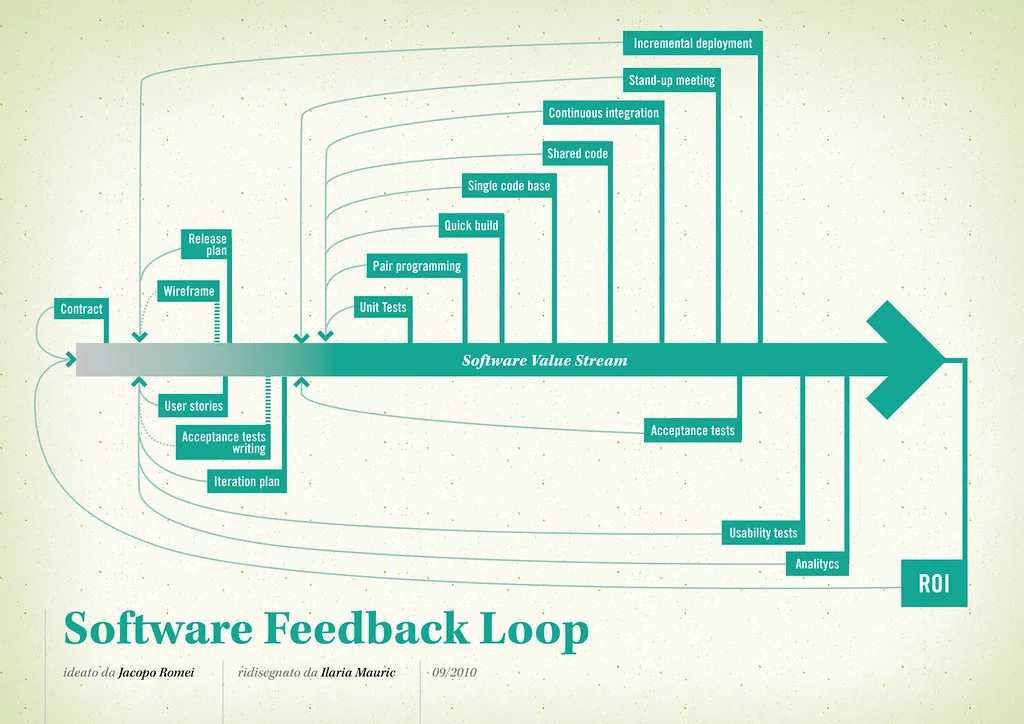
Cover image: Software value feedback loop by jakuza, licensed under BY-SA 2.0 via Openverse.